
A guide to the best SaaS video creator tools for software platforms
 By
Larry Mutenda
By
Larry Mutenda
What is the best SaaS explainer video creator tool? For quick internal walkthroughs and onboarding, screen recording tools like Loom or Screen Studio are the fastest option. For a homepage video, product launch, or investor-facing story, a professional studio like Creamy Animation produces stronger messaging and custom visuals than AI or template-based tools, which can feel generic once a product gets more complex. AI SaaS video tools such as Synthesia or Vyond are best used for internal training and fast, low-cost content, typically priced $18–$99/month.

After making 200+ SaaS explainer videos, it becomes pretty easy to spot what works, what doesn’t, and what falls flat.
In this guide, we’ll walk through the best SaaS video creation software out there to help SaaS founders, marketers, and product teams figure out what tool to use to achieve their goals.
Prefer to have a studio handle it end to end? See our SaaS explainer video production services, or read our SaaS video production guide.
Choosing a SaaS explainer video creator depends on your project goals. A quick onboarding video may only need a screen recording tool. A launch video, homepage video, or investor-facing product story needs a carefully developed video strategy, scripting, design, and production.
At Creamy Animation we have produced 200+ SaaS explainer videos, and we have used a few of these platforms ourselves where it made sense, especially for screen-recording projects. If you would prefer a studio to handle it end to end, here is our SaaS explainer video production service.
It can be an AI video tool, a screen recording tool, a template-based animation platform, a video maker, or a professional animation company, and a launch video, homepage video, or investor-facing product story should communicate the value proposition early.
| When You Need | Best Option | Why It Works |
|---|---|---|
| Quick product walkthroughs | Screen recording tool | Best when you simply need to show how to use the product. |
| A bootstrapped startup video | AI or template-based video tool | Use this for early testing and when speed and cost matter. |
| Internal training or onboarding content | AI video tool or in-house team | Works well for simple product education, support videos, and basic training. |
| A new SaaS product launch | Professional animation studio | A launch video needs strong messaging, custom visuals, and a clear product story. |
| Enterprise sales or investor presentations | Strategy-led video production company | Best when the video has to simplify a complex product for serious decision-makers. |
| Frequent product updates and feature releases | In-house team or a retainer with a studio | Good for creating regular update videos, feature explainers, and short product clips. |

AI SaaS explainer video tools are worth using when you need something fast and affordable for internal training, onboarding, product updates, or early message testing. They can support script generation and produce a generated video with templates, avatars, stock visuals, or ai voiceover.
For SaaS products, screen recordings and interactive demos are often the best choice when you need to show the product in action. They work well for walkthroughs, onboarding, support content, and feature updates because people can see the actual product, including product screenshots, and follow along easily.
The real strength is clarity. Many saas demos and demo videos outperform text because video demos increase engagement by 80% compared to text. Instead of describing the product, you’re showing exactly how it works.
If you need a simple video, template-based animation tools can be a really practical option. They usually give you pre-made scenes, icons, characters, transitions, and text layouts, so you can move quickly without building everything from scratch. They can work well for animated explainers or lightweight explainer content when speed matters more than customization.
| Tool | Best For | Why It Works |
|---|---|---|
| 1. Synthesia | AI avatar explainer videos | Synthesia is useful for SaaS training, onboarding, internal updates, and simple product education videos. |
| 2. Loom | Fast screen recordings | Loom is great for quick product walkthroughs, support videos, founder updates, and internal demos. |
| 3. Screen Studio | Polished product demos | Helps create clean SaaS screen recordings with zooms, cursor effects, and a more professional presentation. |
| 4. Arcade | Interactive product demos | Arcade is the best option when prospects need to click through the product instead of only watching a video. |
| 5. Leadde | AI video from text and docs | Turns text, slides, and PDFs into videos with AI avatars and localization in 88 languages. Good for training, onboarding, and product updates at scale. |
| 6. Vyond | Vyond is a template-based business animation | A solid option for simple animated SaaS explainers, training videos, and internal content. |
| 7. Canva | Quick animated and social videos | Canva’s templates speed things up, making it easy to create simple animated videos and social content quickly. Ideal for teams needing fast, template-driven video creation. |
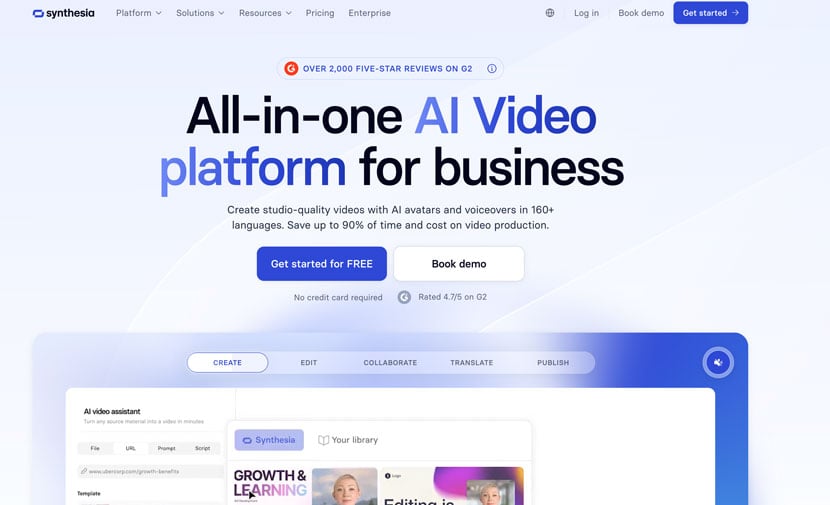
The platform is predominantly used by businesses, HR departments, and marketing teams for corporate training, onboarding, product walkthroughs, and internal communications. Because it is browser-based, it streamlines the entire process, from editing the script to updating localized versions, saving time and production costs.
The AI video generation market reached $789 million in 2025, which helps explain why video platforms like this have expanded quickly.
Monthly Pricing: USD$19/Month
Free Option: Yes
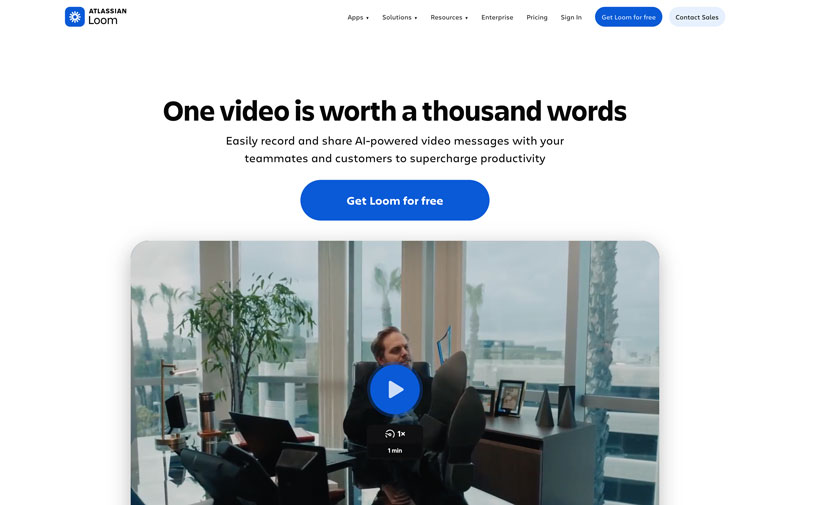
Monthly Pricing: USD$18/Month
Free Option: Yes
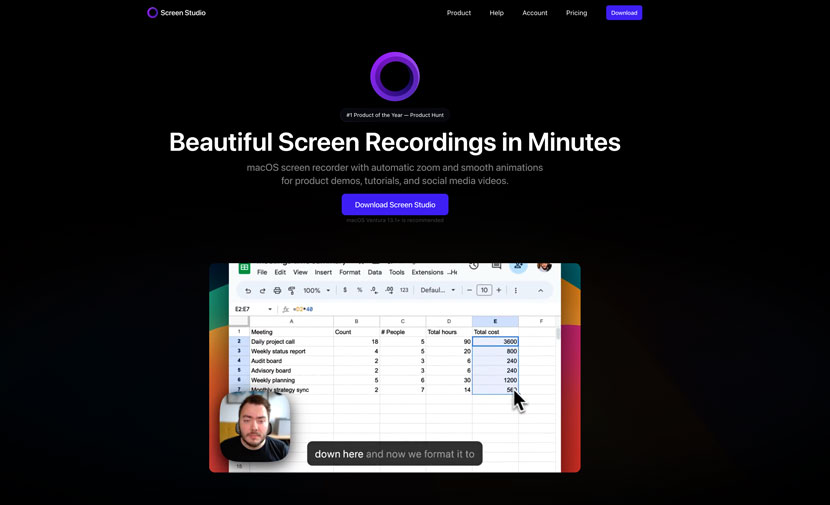
Monthly Pricing: USD$29/Month
Free Option: No

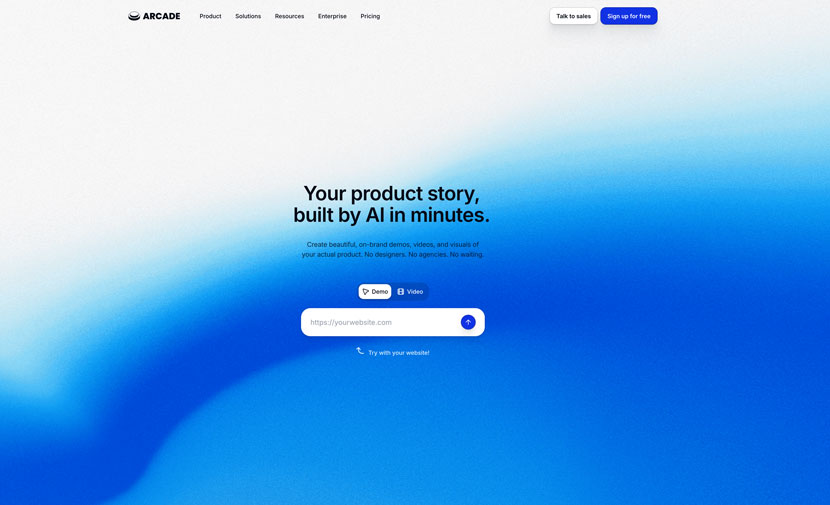
With Arcade, you can make video tutorials, product walkthroughs, product demo video content, and marketing videos. It also features a built-in video editor for making more detailed adjustments to your videos.
It’s great for teams that want to create clickable product tours and interactive demos, which can work better than static explainer content in some sales outreach scenarios. Teams often create multiple versions to fine tune hooks, messaging, or CTA placement.
Arcade uses AI to generate scripts, captions, and voiceovers. Clear call-to-action placement, performance analytics, and omnichannel formatting matter when using these videos across landing pages and campaigns.
Monthly Pricing: USD$50/Month
Free Option: Yes
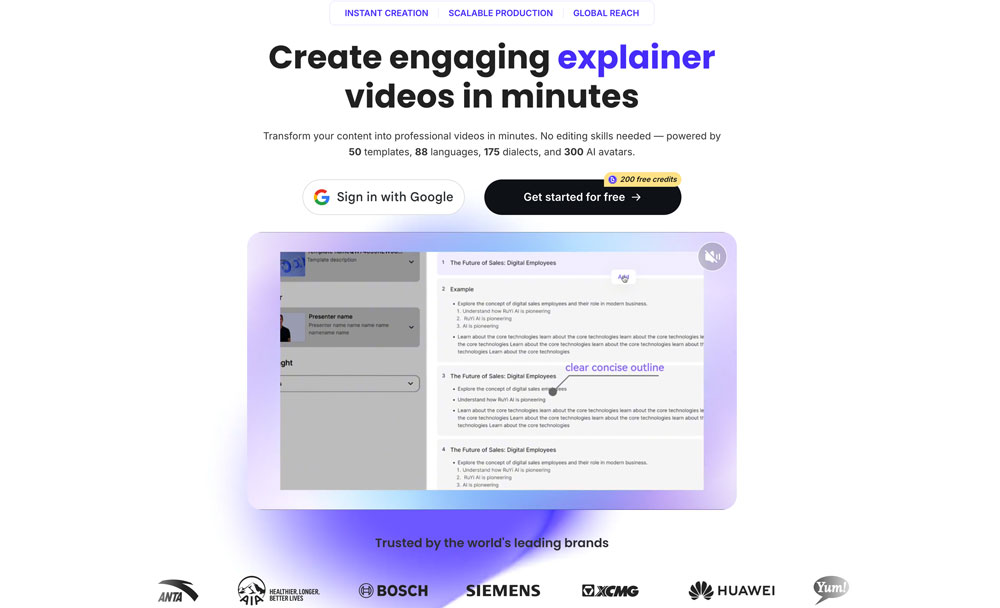
Leadde is an AI video platform that turns text, documents, slides, and PDFs into finished business videos. It offers 300+ AI avatars, 50 templates, and localization across 88 languages and 175 dialects, so teams can produce and translate content without editing skills.
It is built for training, onboarding, tutorials, and product launches where speed and scale matter more than custom animation. Videos can be generated in minutes from a single source and reused across markets.
Monthly Pricing: Free plan + paid subscriptions
Free Option: Yes
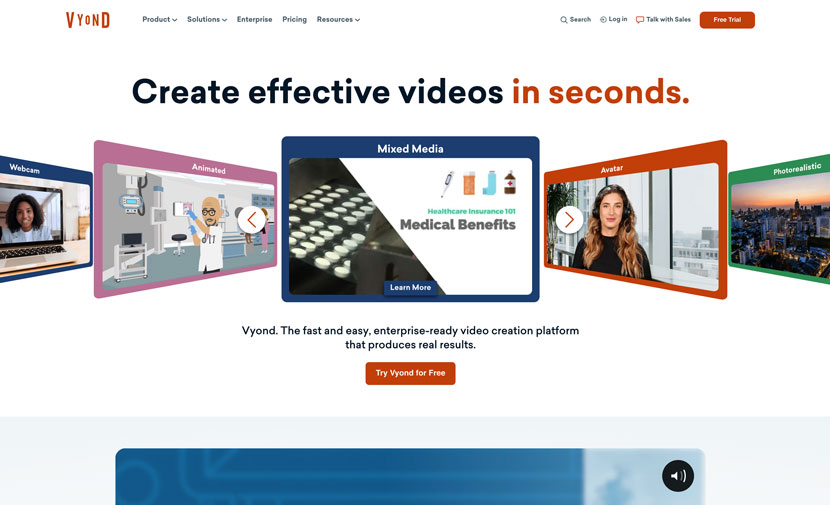
Like the other platforms we’ve discussed, Vyond is a cloud-based AI video creation platform that allows users to easily build template-based animated videos, presentations, social media clips, and training materials.
It’s designed for businesses and educators, and features intuitive drag-and-drop tools, expansive template libraries, and generative AI capabilities, which makes video creation accessible for beginners. Several SaaS platforms are built with this same beginner-friendly approach, and Vyond works especially well for saas teams that need to move quickly.
Video marketing platforms should also support collaboration among team members, and most saas teams use them for speed and flexibility without building a full production team workflow.
Monthly Pricing: USD$99/Month
Free Option: Yes
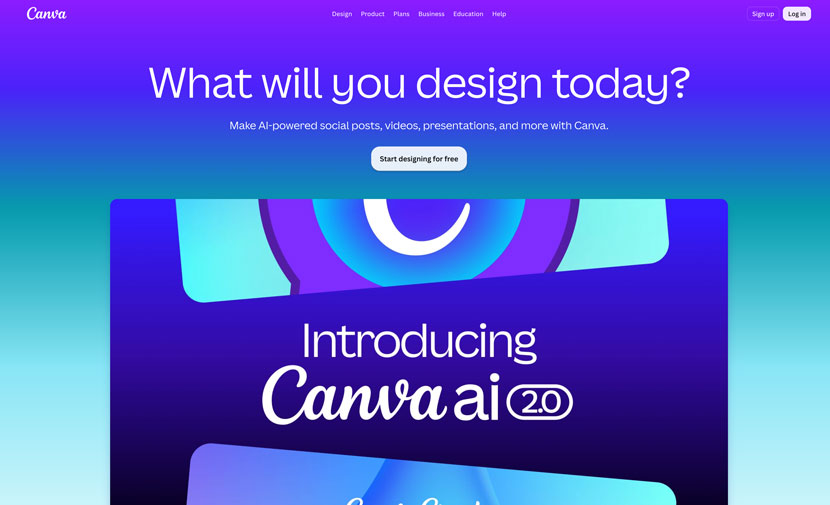
Canva is a versatile graphic design tool with options to create social media content, presentations, and importantly, explainer videos.
Canva’s templates speed things up, making it easy to create simple animated videos and social content quickly. It’s ideal for teams needing fast, template-driven video creation without extensive video editing experience.
Monthly Pricing: USD$99/Month
Free Option: Yes
An AI SaaS video creator is a great option when the video doesn’t need full branding with custom brand assets and brand colors or carry the full weight of your sales message. For example, you might use an AI tool for internal training, product updates, onboarding clips, or customer support videos.
AI tools also work well when your product is simple, your message is already clear, and you only need a basic video to explain one feature or process. Video length should usually stay in the 60–90 second range, since videos under 60 seconds often feel rushed and videos should still stay under 90 seconds for engagement.

Most AI and template-based tools, including Synthesia, Loom, Arcade, Vyond, and Canva, offer a free tier, though free plans are typically limited in export quality, length, or branding removal, making them best suited for testing before committing to a paid plan.
AI tools work well for internal training, onboarding, and quick product updates where speed and cost matter more than polish. A professional studio is the better choice for homepage videos, product launches, and investor-facing content, where messaging and custom visuals carry more weight.
Monthly pricing generally ranges from about $18 (Loom) to $99 (Vyond, Canva), while a custom-produced explainer video from a studio like Creamy Animation typically costs $5,000\xe2\x80\x93$25,000 as a one-time project.
Yes. Many AI video platforms, including Synthesia, support localization into 100+ languages while keeping the same video structure and avatar.
A screen recording shows how to complete a specific task inside the software. An explainer video communicates the product’s value proposition and why it matters, using the product as supporting evidence rather than the entire focus.
When the product is complex, the homepage isn’t converting well, or the company is preparing for a major launch, situations where stronger, more custom messaging outweighs the speed and cost savings of a self-serve tool.
The perfect tool depends on the project scope. For something quick and internal, AI tools can do the trick. For product demos, screen recordings usually work better.
And for homepage videos, launches, or sales and marketing videos, or a polished explainer, hire a creative studio for clearer positioning of the value proposition and more control over the entire video without rebuilding from scratch for every change.
Once your video is complete, find platforms that provide an analytics dashboard for best video performance tracking. Analytics platforms allows you to track stats such as click through rate, view time, and play rate.
In fact, 96% of consumers have watched an explainer video to learn about a product. That’s where Creamy Animation comes in. We work with SaaS companies to make technical products easier to understand and build trust with customers.
We usually get involved when a video needs to do more than explain a few features. This is often the case when the product is complex, the homepage is not converting well, or the company is getting ready for a product launch. Find out how we produce saas explainer videos.

15+ years in video strategy and production, specializing in SaaS, B2B, and nonprofit storytelling.
Larry is the founder and Chief Storyteller at Creamy Animation, founded in 2009. He leads a team that creates story-driven videos for businesses and nonprofits. A marketer, designer, and animator, Larry has overseen the production of more than 1,500 videos for Fujitsu, Logitech, Warner Brothers, NFL, Blockdaemon, Astronomer, Canonical, and 370+ others.
For Larry, God is first, and everything else is a blessing that comes from serving Him. When he’s not working, he’s hanging out with his wife and three kids, playing the piano, or pursuing his filmmaking side hustle.