 By
Larry Mutenda
By
Larry Mutenda
How does SaaS video production work? A SaaS explainer video moves through five stages — discovery and strategy, scriptwriting, storyboard and creative direction, design and illustration, and animation with sound design — typically taking 4 to 6 weeks from an approved script to final delivery for a 60–90 second video. The single biggest factor in quality is getting the strategy and script right before any animation begins.
This SaaS video production guide walks through exactly how a SaaS explainer video gets made, step by step. SaaS video production is the process of turning a software product into a short video that explains what it does, how it works, and why it matters to the person watching. Done well, it takes something that’s hard to describe in a sales call or a feature list and makes it click in under two minutes.
This guide walks through how that process actually works — from the first strategy conversation through scripting, storyboarding, design, and animation — using real production artifacts from our Blockdaemon project to show what each stage actually produces, not just describe it.
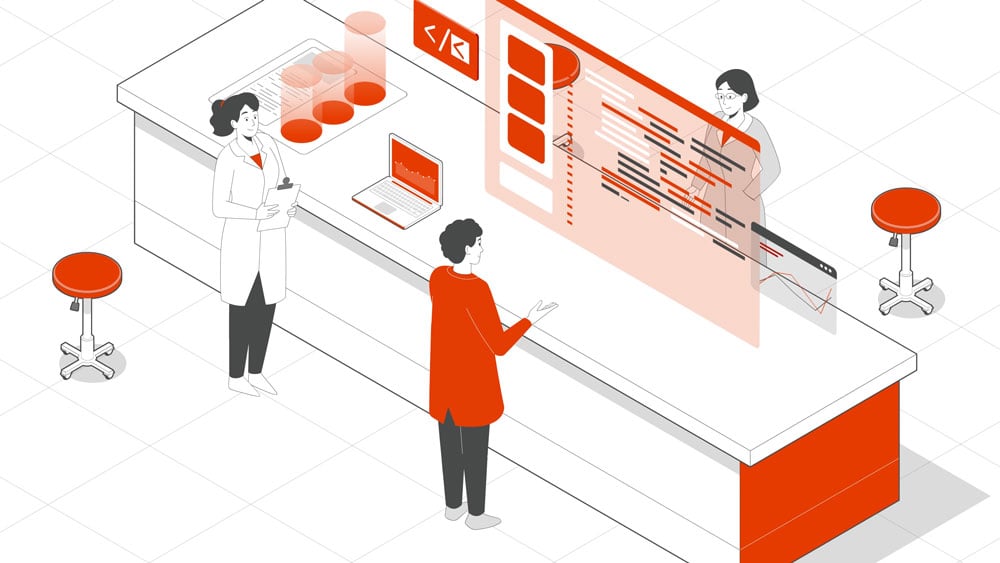
SaaS video production is the process of creating videos that explain a software product, show how it works, and communicate its value proposition. These videos are used to introduce a platform, support a sales process, launch a new feature, educate customers, or improve onboarding.
A SaaS explainer video has a broader purpose than a screen recording. It explains the problem the product solves, why the solution matters, and how the software creates value — it may include interface animation, but the product is shown as part of a larger message rather than a detailed walkthrough.
A screen recording or tutorial, by contrast, shows a user how to complete a specific task inside the software. It focuses on product functions and step-by-step instructions rather than on persuading or orienting a new viewer.
This SaaS video production guide is for SaaS founders, marketing leads, and in-house creative teams planning a SaaS explainer video — whether you’re writing a brief for an outside production partner, evaluating one, or scripting and storyboarding it yourself.
These videos are most useful for startups, growing software companies, and enterprise technology teams that need to explain their product quickly and clearly — typically because a website, sales deck, or demo isn’t communicating the value fast enough on its own.
SaaS products often solve complicated problems through processes that users can’t easily see. The real challenge in production isn’t the animation — it’s deciding what the viewer needs to understand first without losing the substance of what the product does. A few things make this harder than it looks.
It’s tempting to include everything a product can do in one video, but that usually buries the main point. A good rule of thumb: focus on one or two problems the product solves, three to five key features that support that story, and mention anything beyond that only in passing. Past that point, most viewers stop absorbing new information.
A SaaS buying decision often involves end users, technical evaluators, department leads, and executives — each with different questions and different levels of product knowledge. The script has to be accurate enough for a technical viewer and simple enough for someone judging it purely on business outcome, without leaning on internal jargon that only the product team would recognize.
Blockdaemon’s video is a good example: blockchain infrastructure is a technical, abstract product, and the script had to make its reliability legible to non-technical decision-makers without losing credibility with the engineers in the room.
Features tell, benefits sell — but business value is the layer above benefits: why a given feature actually matters to the customer. Messaging gets difficult when a company describes tools and capabilities without connecting them to a problem the buyer recognizes. The video needs to answer how the product saves time, reduces risk, improves performance, or makes someone’s job easier.
Product, marketing, sales, and customer success often describe the same software differently — one team emphasizes features, another emphasizes technical performance, another emphasizes pain points.
Without a shared framework for what the video should say, the finished piece risks reflecting only one team’s version of the story. Getting alignment on the target audience, the main value proposition, and the desired viewer action before scripting begins avoids this.
Most SaaS companies work with some combination of three video types, depending on where in the funnel the video needs to do its job:
For more examples, see our roundup of 31 SaaS explainer video examples.
Regardless of who produces it, a SaaS explainer video generally moves through the same five stages. To make each stage concrete, this section follows how they played out on our Blockdaemon project — a three-video series explaining Blockdaemon’s blockchain infrastructure to institutional and developer audiences.
Before any writing starts, this stage answers what the product does, who it’s for, and what the video needs to achieve. That includes reviewing existing materials — the website, pitch deck, product documentation, brand guidelines — and identifying the audience’s technical knowledge, pain points, and the business priorities the video needs to speak to.
This sets the foundation the rest of the project builds on; skipping or rushing it is the most common reason a finished video misses the mark.
On Blockdaemon, this meant identifying that “reliability” and “security” — not feature depth — were the two ideas institutional buyers needed to walk away believing.
The script translates the strategy into language. A good SaaS script prioritizes the single most important outcome the product delivers, translates features into customer benefits, and simplifies technical language without losing accuracy. This is also where the message gets prioritized — deciding what to leave out is usually harder than deciding what to include.
Here’s how that played out in the actual Blockdaemon video script, beat by beat:
| Section | Script Excerpt | Why It Works |
|---|---|---|
| 1. Positioning (the Hook) | “Blockdaemon is the leading blockchain infrastructure platform.” | Opens with authority instead of a problem statement. This suits an audience that already understands the problem and needs a reason to trust this particular company. |
| 2. Mission / Value Proposition | “Our mission is to simplify deploying nodes with institutional-grade security and monitoring.” | One sentence does two jobs: it identifies the outcome and qualifies the audience. Everything that follows supports this core promise. |
| 3. Capability Proof | “Blockdaemon supports over forty protocols, delivering high availability, load-balanced and performant nodes, and easy access to blockchain data via our multi-protocol API suite, Ubiquity.” | Presents features as outcomes, such as high availability and easy access to data, rather than relying on a technical specification list. The level of detail matches the technical evaluators in the buying group. |
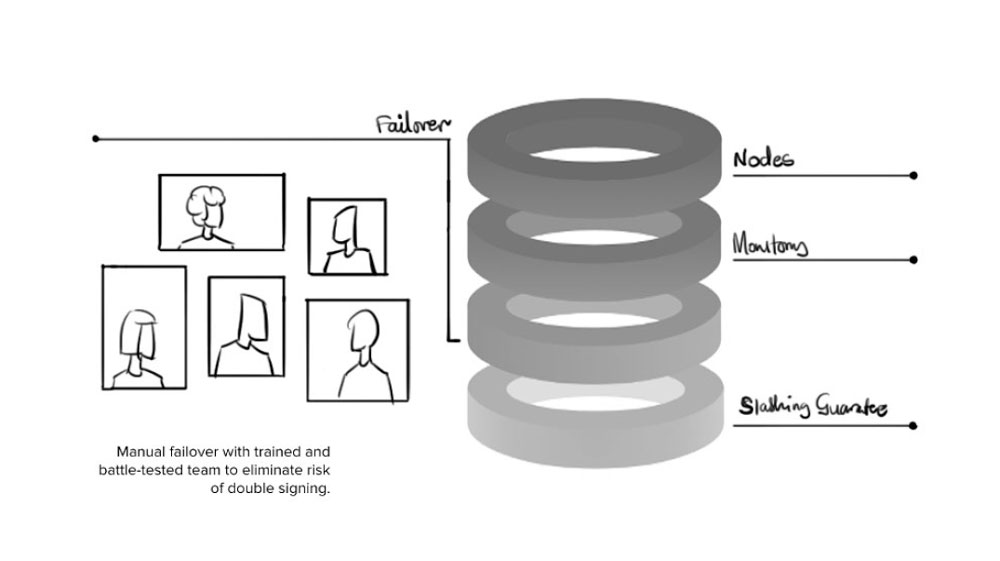
| 4. Objection Handling | “Our multiple layers of risk mitigation include regional and data centre diversity, 24/7 human and automated monitoring, manual failover with a battle-tested team of engineers to eliminate the risk of double signing. We also provide slashing and double-signing insurance.” | This is the longest section because institutional buyers are less concerned with whether the platform works than with what happens when something fails. Each clause identifies a specific risk and explains how Blockdaemon addresses it. |
| 5. Social Proof | “Leading exchanges, custodians, developers, and large financial institutions are built with Blockdaemon.” | Social proof appears after the capabilities and risk controls have established trust. Placing it immediately before the call to action makes the validation more persuasive. |
| 6. Call to Action | “Looking for a complete blockchain infrastructure? Sign up now with Blockdaemon.” | Frames the call to action as a question the viewer may already be asking and answers it directly. It gives the viewer one clear next step without competing requests. |
| Why the Structure Works | The script moves from positioning to value, capability proof, risk mitigation, social proof, and a call to action. | It compresses the solution, evidence, trust-building, and call to action into a tight structure by skipping the problem statement. This is effective for a sophisticated, self-selecting audience that does not need the problem explained again. |
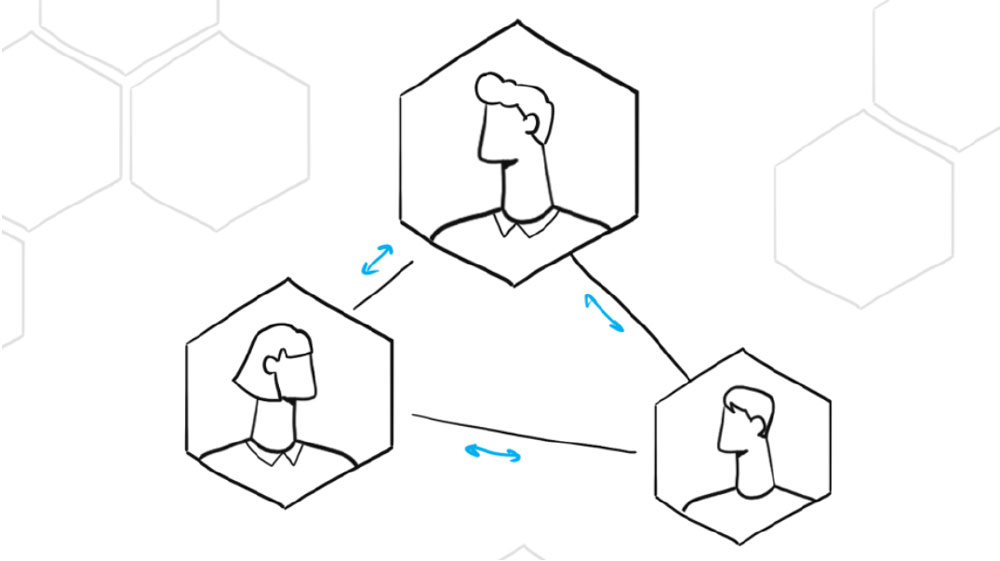
A storyboard panel from the Blockdaemon SaaS explainer video, sketching out how the script’s opening scene would be visualized before any final design work began.
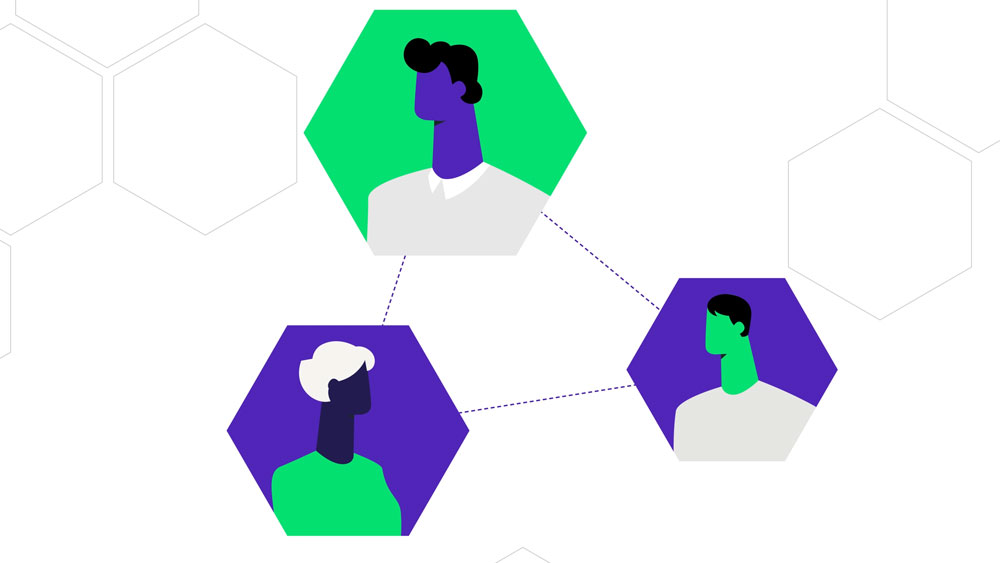
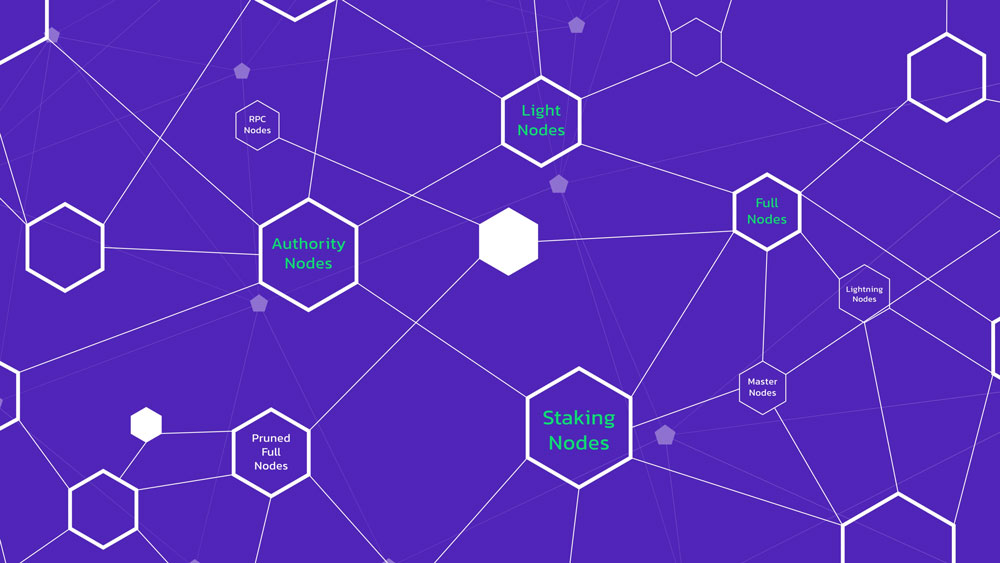
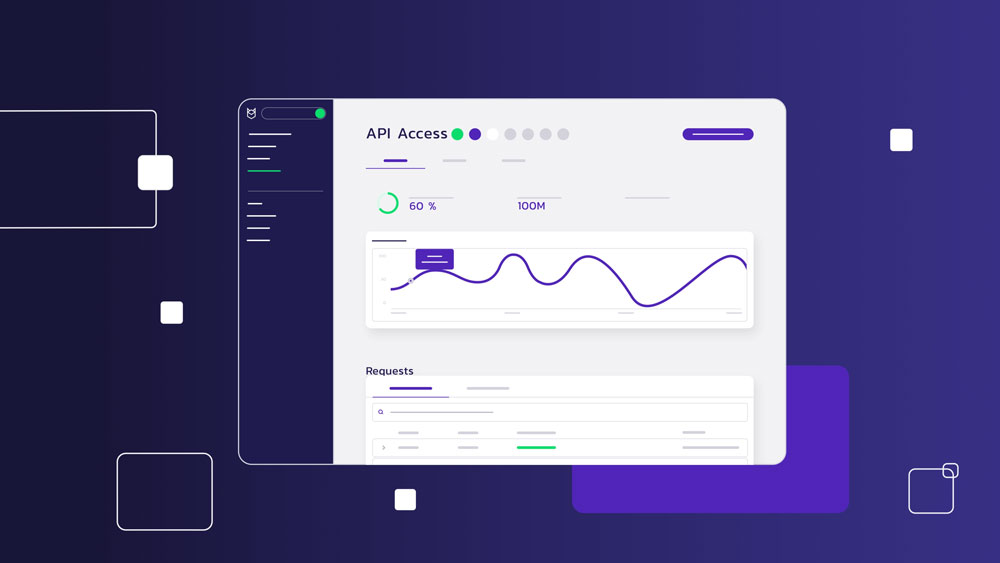
With the storyboard approved, the team builds the final visual style: custom characters, interface-inspired graphics, icons, and scenes matched to the brand. For SaaS products specifically, this often includes UI-style animation that mirrors how the actual product looks and feels, so viewers who go on to try the product recognize it.
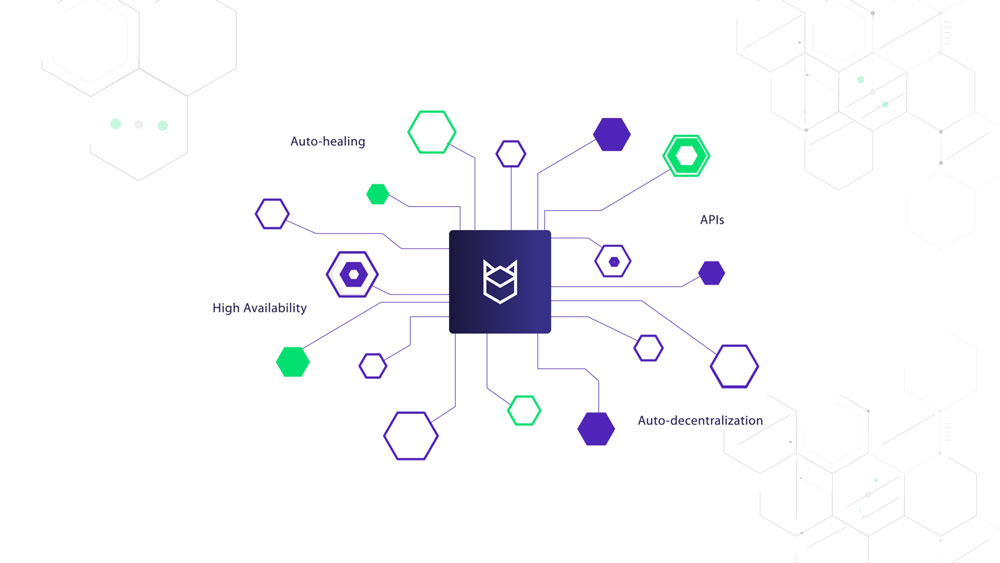
Finished illustrated frame of the same scene from the Blockdaemon explainer video
The final stage brings everything together: the approved designs are animated, voiceover and music are recorded and mixed, and sound effects are added. The finished video is then delivered in the formats needed for its intended use — website embed, YouTube, paid social, or platform-specific aspect ratios for ads and organic posts.
See the full Blockdaemon case study for the outcome behind this project.
The hardest part of SaaS video production isn’t the animation — it’s distilling a product into a message a first-time viewer can follow in under two minutes. A few practical steps help:
Beyond polish, effective SaaS videos generally share four traits: a clear, single-minded message; pacing that respects a short attention span; visuals that are purposeful rather than decorative; and a direct, visible link between the product and the problem it solves.
When those four elements line up, the video becomes something sales and marketing teams can reuse across a website, a pitch, and a campaign — rather than a one-off asset that gets watched once and forgotten.

Most SaaS marketing explainers land between 60 and 120 seconds — enough time to introduce the problem, explain the product, highlight the main benefit, and close with a clear next step.
Trying to cover every feature in that window usually backfires; it’s better to focus on the core value proposition and let more detailed product demos or onboarding content run longer, where the subject genuinely needs more explanation.
A typical 60-90 second video takes roughly four to six weeks from an approved script to final delivery: about two weeks for script development and approval, then three to four weeks for storyboarding, design, animation, and final delivery. Timelines shift with animation style, product complexity, and how quickly feedback is turned around at each review stage — faster client response time is usually the single biggest lever for shortening a project.

Production cost depends mainly on video length, animation style, and the complexity of the story being told — a straightforward motion graphics piece costs less than a fully custom 2D or 3D character animation. Rather than duplicate pricing detail here, see our explainer video cost guide for a full breakdown of what drives cost up or down.
An explainer video focuses on the problem, the value proposition, and why a viewer should care, using the product as supporting evidence. A demo video focuses on the product itself — walking through the interface and showing how specific tasks get done.
Yes. Storyboarding translates an approved script into visuals scene by scene, so the message needs to be locked before visual work begins — otherwise revisions cascade into every stage that follows.
Yes, if it’s planned that way from the start. A single core video can be cut into shorter versions for paid social, email, and sales presentations, as long as the production plan accounts for those formats up front rather than trying to retrofit them afterward.
A clear sense of your product, target audience, primary goal for the video, brand guidelines, and where the finished video will be used. That context shapes the script, visual direction, and production plan from day one.
SaaS companies work with Creamy Animation because we know how to take a product that feels technical, layered, or hard to explain and turn it into a story people can actually follow.
We manage the entire process—from strategy and scripting to animation and final delivery—ensuring a seamless experience and a video tailored to your brand’s unique animation style. Our custom SaaS storytelling connects deeply with your customer journey, making it easier for prospects to see how your product solves real problems.
We’ve created animated video content for SaaS and tech brands like Canonical, Logitech, Skyflow, Astronomer, and Blockdaemon. Our approach is always custom, story-led, and built to make complex ideas feel simpler, more relevant, and easier to trust.
A SaaS explainer video is only as strong as the message behind it — the animation is what makes that message memorable, not what creates it. If you’re planning one, the discovery and scripting stages are worth the most time and attention, since everything downstream depends on getting that part right.
Now that you know what goes into a SaaS explainer video, the next step is figuring out what yours should say. Get a free consultation — we’ll help you shape the message before you spend anything on production.


15+ years in video strategy and production — specializing in SaaS, B2B, and nonprofit storytelling.
Larry is the founder and Chief Storyteller at Creamy Animation, founded in 2009. He leads a team that creates story-driven videos for businesses and nonprofits. A marketer, designer, and animator, Larry has overseen the production of more than 1,500 videos for Fujitsu, Logitech, Warner Brothers, NFL, Blockdaemon, Astronomer, Canonical, and 370+ others.
For Larry, God is first, and everything else is a blessing that comes from serving Him. When he’s not working, he’s hanging out with his wife and three kids, playing the piano, or pursuing his filmmaking side-hustle.