
Get an estimate in 60 seconds. No email required.
For Clarity & Retention
Corporate training video production is the creation of video-based learning content for onboarding, compliance, and upskilling that makes training clear, consistent, and easy to retain.
We provide corporate training video production services that make it easy to understand complex topics, for HR, Learning and Development, and Customer Experience teams.
TRAINING VIDEO PRODUCTION PROJECT
Corporate training video production services help HR and Learning and Development teams give every employee the same explanation, in every location, every time.
Consistent delivery: one approved version replaces a dozen differently delivered sessions.
Available on demand: new hires start on day one instead of waiting for the next cohort.
Straightforward to update: when a policy changes we re-cut the affected section.
Trackable: completion is recorded in your LMS, not on a sign-in sheet.
As one of the top training video production companies, we’ve spent more than a decade creating training videos for small to medium businesses and larger Fortune 500 companies.
Corporate training videos carry process, policy and product knowledge that people have to apply, not just recognise. We build them from your existing SOPs so what appears on screen matches what happens at the desk.
Screen recordings, animated overlays and callouts show the actual click path rather than describing it in prose.
Employee training videos cover onboarding, role handovers and the questions new hires ask in their first week.
Split into short modules, they can be assigned by role, so a warehouse hire and a finance hire get the same company induction and different job specifics.
Leadership and development content works best as short scenario lessons: a situation, the choice, the consequence.
Animation lets us stage difficult conversations, feedback and escalation without booking actors or a location, and lets you refresh a scenario later without a reshoot.
Customer education videos answer the questions your support team answers most often, in the words your customers actually use.
We build them as short lessons that slot into a help centre article, an onboarding email or an in-app walkthrough, so a user watches the ninety seconds that solves the problem.
CUSTOMER CARE VIDEOS
HOW-TO VIDEOS
SKILL DEVELOPMENT VIDEOS
EMPLOYEE TRAINING VIDEOS
CUSTOMER EDUCATION VIDEOS
TRAINING VIDEOS FOR SCHOOLS
HOW IT WORKS TRAINING VIDEOS
MEDICAL TRAINING VIDEOS
E-LEARNING TRAINING VIDEOS
Safety training videos show the hazard, the correct procedure, and the reason the procedure exists. Animation is useful here because we can show what happens when a guard is removed or a lockout step is skipped without staging anything dangerous.
Modules are kept short and self-contained so a single procedure can be reissued when it changes, instead of re-recording the whole course.
TRAINING VIDEO PRODUCTION PROJECT : NEW GOLD
Plan on two to three weeks for a 30 to 60 second module and four to six weeks for a one to two minute module.
The first module takes the longest because it establishes the visual system, and every module after it moves faster because the characters, templates and interface assets already exist.
Training video cost is driven by running time, animation style and how many modules you need.
A series lowers the cost per module, because the design system is paid for once and reused. Full breakdown in our explainer video cost guide.
You have full copyrights to the videos produced and usage rights for all assets provided.
An initial down payment is required to cover initial costs of taking on your project, depending on the size of the project plus other variables.
Training projects start with a scoping call that answers three questions: who has to complete the module, what they must be able to do afterwards, and who signs it off. We ask for your existing material first, the SOP, the deck, the policy document, so we are shaping content you already own rather than inventing it.
From there we agree the module list, the running time for each one, and the review dates. Naming a single approver per module is the one decision that keeps a training series on schedule.
We write the script as a learning document, not a sales page. Each module opens with what the learner will be able to do, works through the steps in the order they happen on the job, and closes with the action to take. Your subject matter expert reviews it as text, which takes minutes instead of the hours a finished video review takes.
Once the wording is signed off we storyboard it frame by frame, so you can see the on-screen text, the callouts and the sequence before any animation starts. A correction at this stage costs minutes. The same correction after animation costs days.
Planning one yourself? Read how to make a training video.
Animation, edit, sound and mastering happen with our own team in Vancouver, so a fix on module three does not travel through three vendors. We build the visuals as a reusable kit: the character set, the interface mockups, the lower thirds and the end card. That kit is why the second module is faster to produce than the first.
You receive the master MP4 at the resolution your platform accepts, plus a caption file and a transcript, and a SCORM or xAPI package if your LMS needs one. We keep the project files, so a policy change next year means re-cutting one section rather than rebuilding the video.
Wondering how to create training videos that work? Start by setting realistic goals, developing a clear concept, writing a compelling script, and creating visuals that grab your viewers’ attention. Here are some examples of corporate training videos we recently made.

We created a five-part educational video series for Small Business BC. They needed our help to educate business owners on what workplace accessibility is and how to implement it.
Corporate training video production, sometimes called eLearning or instructional video production, is the process of turning internal knowledge, an SOP, a policy or a product workflow into short, on-demand video modules and microlearning that employees, customers or partners can complete at their own pace. It covers the interviews with your subject matter experts, the script, the storyboard, the 2D animation, motion graphics or live-action filming, captions and transcripts, and packaging the finished eLearning file for your LMS or learning platform.
Most animated corporate training videos land between $5,000 and $10,000 per finished eLearning module. Custom character animation and heavy illustration run $10,000 to $25,000, and enterprise training series with many modules or several languages run $25,000 to $50,000. A lighter AI-assisted or templated route starts around $2,500 to $4,000 where the topic is simple and the animation style can be reused.
Length, the animation style (2D animation, whiteboard or motion graphics) and module count move the number more than anything else. See the explainer video cost breakdown.
A 30 to 60 second animated module takes about two to three weeks. A one to two minute training module takes about four to six weeks.
For an eLearning series, the first module carries the style development and animation assets, so later modules are quicker once those assets exist. Delivery dates are staggered rather than stacked at the end.
Onboarding and induction videos, compliance and policy training, workplace safety videos, software and product training, standard operating procedure walkthroughs, customer education and how-to videos, and soft-skills or leadership scenarios, produced as animated explainers, motion graphics or live action. Most projects are an eLearning series rather than one video, with a shared visual system and animation style across the modules.
Yes. We deliver LMS-ready eLearning files and, where your platform needs it, a SCORM 1.2, SCORM 2004 or xAPI package so course completion and learner progress are recorded against each learner. A plain MP4 with a caption file works for video-based learning platforms such as Moodle or TalentLMS and for most intranets, and is easier to swap out when content changes.
Tell us the platform and the tracking you need before we master the files, and we will build the package to match.
You do. On final payment you receive full copyright and usage rights to the finished training videos and the animation and design assets created for them, with no recurring licence fee. Stock footage, third-party music or a voice-over actor licence carry the terms of their own suppliers, and we tell you which of those apply before we buy anything.
Yes. We produce 2D animation, 3D animation, whiteboard animation, motion graphics and live action, and we often blend these animation styles inside one series: animated explainers for the process explanation, live action for the people and the place. The choice usually comes down to how often the content will need updating, since animated training modules are cheaper to revise and re-version than filmed ones.
They give every learner the same consistent explanation, boost knowledge retention and engagement, remove the scheduling cost of repeating live sessions, and make course completion measurable inside your LMS. They also hold up over time: a recorded eLearning module can be reissued as a refresher, translated for another region, or updated section by section when the underlying policy changes.

The hard part of a training video is rarely the animation. It is getting accurate content out of the person who actually knows the process, who is usually the busiest person in the building. Our process is built to keep that person to roughly two hours of involvement per module.
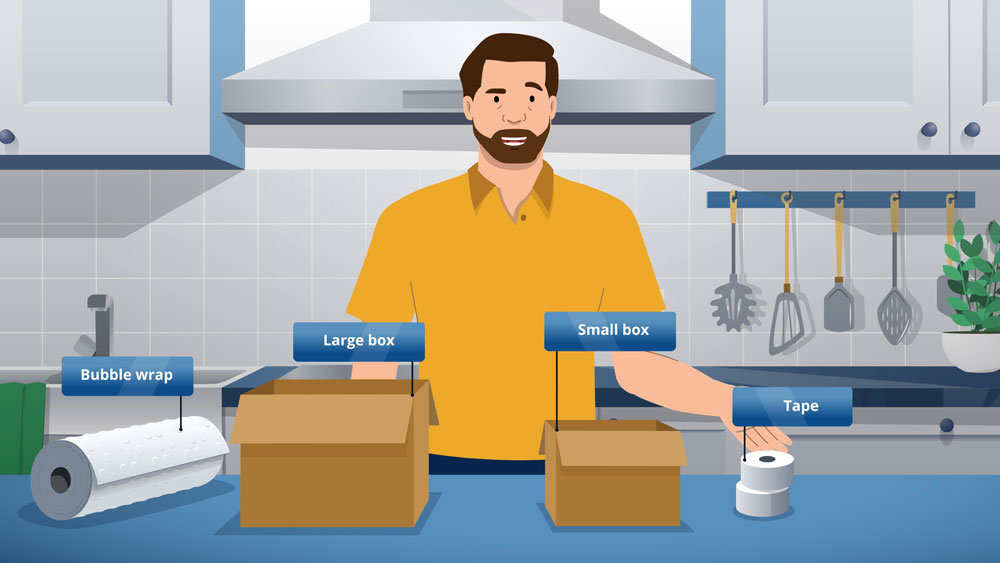
Before we book anyone, we ask for the material you already have: the standard operating procedure, the policy document, the deck used in the classroom session, screenshots of the software, and the questions your help desk keeps receiving. Most of a training module is already written down somewhere, so your expert corrects a draft instead of composing from a blank page.
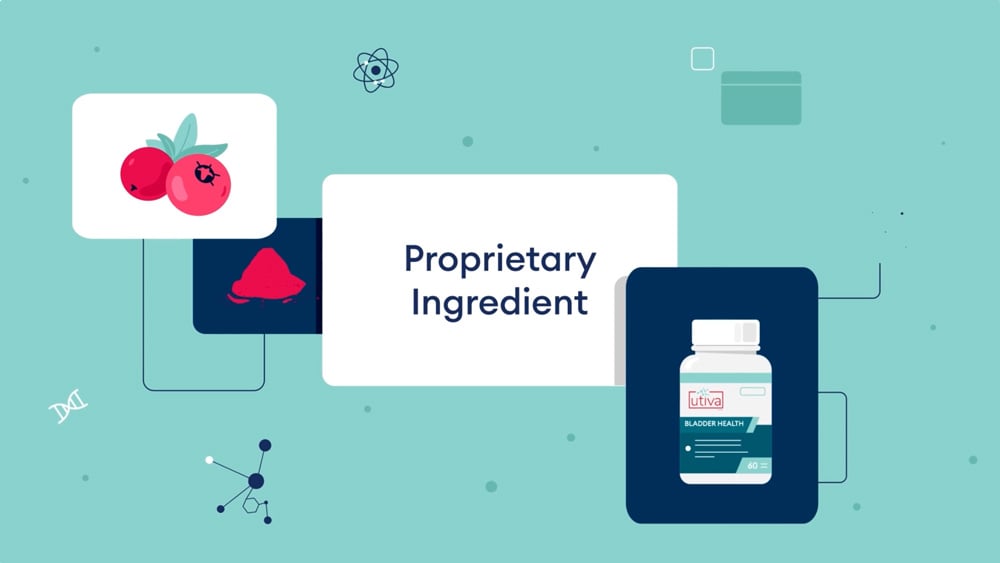
We run a single recorded interview, usually 45 to 60 minutes, against a question list sent in advance. The useful questions are specific: what does a new person get wrong in the first month, which step do people skip, and what happens when this is done incorrectly. Recording it means the expert never has to repeat an explanation, and we can lift their own wording into the script.
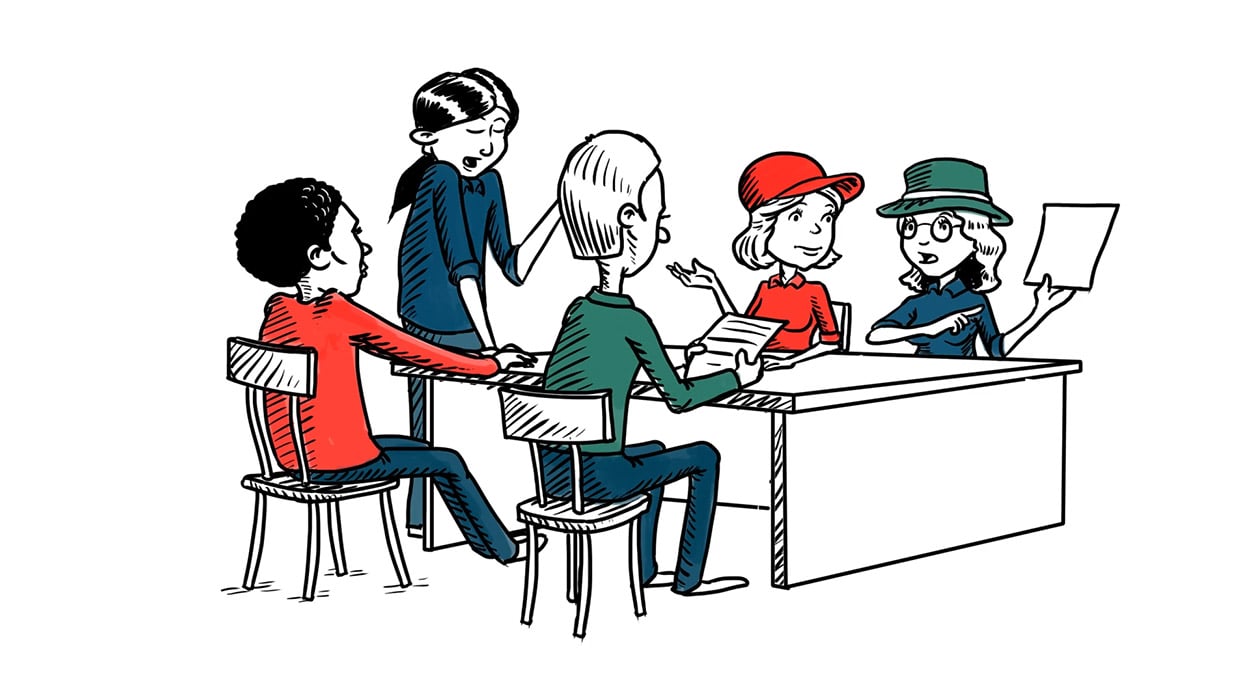
Every round of expert review happens on the script and then on the storyboard, in writing, with tracked changes or comments rather than a phone call. Consolidated feedback from one named approver per module is the difference between two revision rounds and eight. Once the script is approved we treat the factual content as final, and later changes are handled as versioned updates.
A training video is only finished when it plays inside the system your learners actually use. Decide the delivery format before we master the files, because it changes how we cut the video, not just how we export it.
Plain MP4 with a separate caption file is the simplest option and works on Moodle, TalentLMS, SharePoint, an intranet page or a private video host. SCORM 1.2 or SCORM 2004 wraps the video in a package your LMS can track, so completion is recorded against the learner. xAPI does the same job with more detail and needs a learning record store on your side.
A single twenty minute module has to be finished in one sitting, cannot be assigned by role, and has to be rebuilt end to end when one policy changes. The same content split into six short modules can be assigned selectively, resumed between shifts, reported on individually, and updated one piece at a time. It is also cheaper to maintain.
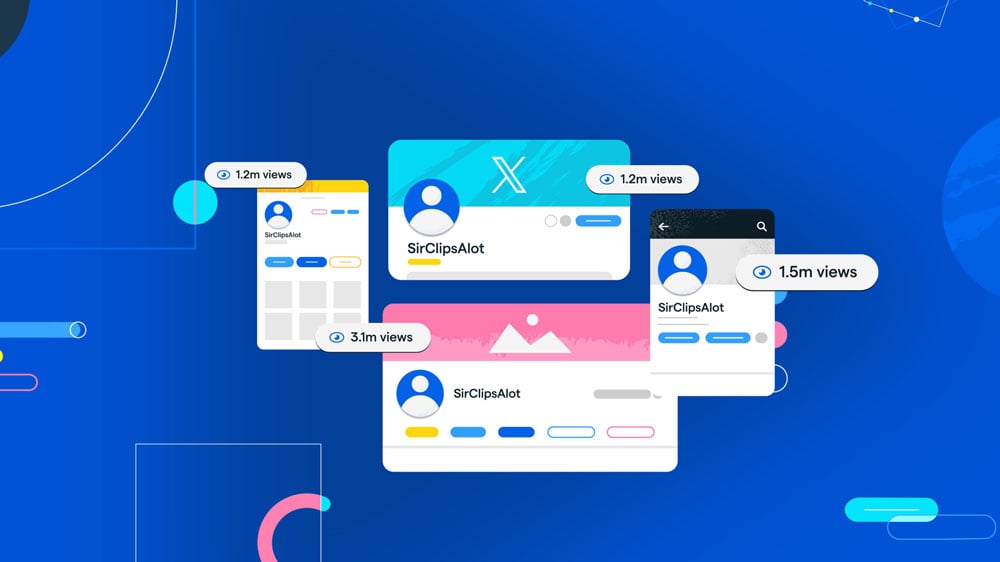
Where a longer module is unavoidable, we build chapter markers and a visible section structure so a learner can jump to the step they need. Confirm the maximum file size your LMS accepts, the resolution and codec it re-encodes to, whether it plays a separate caption file or needs captions burned in, and whether learners will watch on a phone.
Two decisions early in the build determine whether your training library is usable by everyone and whether a second language version is a small job or a second project.

We supply an SRT or VTT caption file with every module, timed and proofread rather than auto-generated, plus a plain text transcript. Captions are used by people with hearing loss, by anyone watching in a noisy warehouse or an open plan office, and by learners who read faster than the narrator speaks. The transcript becomes the searchable reference document that sits beside the module in your LMS.
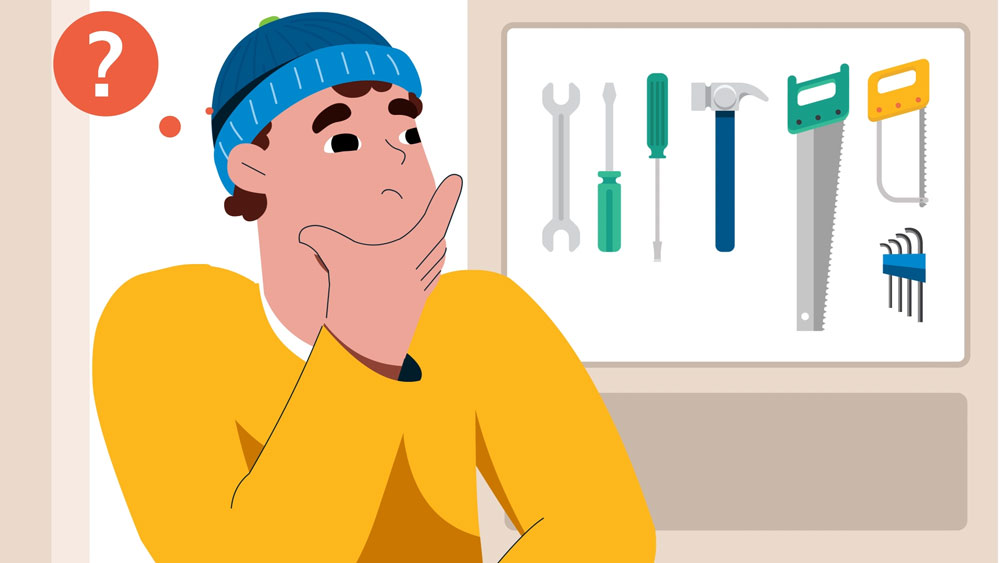
Most of the cost of a second language version comes from on-screen text that was baked into the artwork. We keep text on its own layers and leave extra horizontal space in every label and lower third, so a French or Spanish version means translating the script, recording a new voiceover and swapping the text layers. The animation itself is reused.

We write for the ear, keep sentences short, and pace narration so a non-native speaker can follow it. Where a process has a strict sequence we number the steps on screen and say the number out loud, so the audio and the visual carry the same information. Colour is never the only way we distinguish a correct step from an incorrect one.
Showreels look similar across every studio you will shortlist. The differences that matter on a training project are in the working method, and none of them appear in a portfolio. These are the questions worth asking before you sign anything.
Ask for the specific mechanism, not a reassurance. How many hours of expert time per module, at which stages, and in what format. If the answer is that reviews happen on the finished video, expect a slow project and a stack of late changes. A studio that has produced training before will describe a written review process and will ask you who signs off.
Get the deliverable list in writing: master file and resolution, caption file, transcript, SCORM or xAPI package if you need one, thumbnail, and the source project files. Ask whether captions are proofread or auto-generated. Ask whether a SCORM package is included or is an extra line item, because it often is.
Ask how many rounds are included, at which stages, and what counts as a revision rather than a change of scope. Two rounds at script, one at storyboard and one at animation is a normal shape. Unlimited revisions usually means the price already assumes several rounds, or that the definition of a round is elastic. Also ask what a change costs after final delivery, because on training content you will need one within the year.
You should own the finished videos and the design assets outright, with no recurring licence. Ask separately about music, stock footage and voice talent, which are licensed from third parties and may be time limited or restricted by territory. Ask whether you receive the source project files, since without them another studio cannot edit your library later.
Training content dates faster than marketing content. Ask what a fifteen second correction costs in eighteen months, whether project files are archived and for how long, and whether the studio will still have the fonts, characters and templates. A studio that builds a reusable asset kit can re-cut one section. A studio that did not will quote you a new module.
A one-off module carries the whole cost of style development: character design, templates, interface assets and the visual system. That is why a single module usually sits between $5,000 and $10,000 while the third module in a series of eight costs materially less. Ask for a per-module price at three, five and ten modules, and ask what happens to that price if you add a module next year.
Budget shape is worth understanding too. On a typical animated project, roughly 10 percent goes to script, 25 percent to concept and storyboard, 15 percent to design and illustration, 45 percent to animation and editing, and 5 percent to voiceover and music. A studio that quotes a single number should still be able to explain that split.
Marketing video and training video are different disciplines. Marketing video is built to hold attention for thirty seconds. Training video is built so a person can complete a task correctly afterwards, and so an auditor can see who completed it. Ask to see a module from a series, not a highlights reel, and ask how that project handled expert review and LMS delivery. Related work: corporate video production and educational video production.
Request a free quote to get started
Explore more ways we help businesses communicate clearly.
Internal comms, training, and brand videos.
Explain technical products so decision-makers act fast.
Lead-gen and sales enablement video content.