Get an estimate in 60 seconds. No email required.
What is an educational video? A video designed to teach a concept, explain a process, or help viewers learn a skill. The best ones pair one clear learning objective with plain narration and visuals that make the idea easy to remember.
An educational video is a video designed to teach a concept, explain a process, or help viewers develop a new skill. The most effective educational video examples combine a focused learning objective with clear narration, purposeful visuals, and a structure that makes the information easy to understand and remember.
In this guide, we showcase some educational video examples created with 2D animation, motion graphics, whiteboard animation, and other visual formats. You’ll learn what makes each example effective, how to choose the right style for your audience and subject, and how to plan an educational video that keeps viewers engaged while helping them understand the material.
At Creamy Animation, we provide educational video production services that help people understand any topic. Our goal is to use storytelling to demystify ideas and concepts with visuals that create epiphanies.
The idea is simple, when you create educational videos on a specific topic, you become a recognized authority in that space. When people need a product or service related to that industry, who better to buy from than the one who’s been educating them on that topic.
Learning Content That Actually Gets Watched
Brands and businesses capitalize on educational videos as they tap into people’s innate desire to learn and help others learn. This is probably one reason why some YouTube searches begin with “How to”, showing that educational videos are one of the most watched types of content on YouTube.
From answering your users’ questions to helping them find solutions, the rising trend of educational videos is a great tool for building a community around your product.
Educational and instructional videos help people understand a topic, solve a problem, or learn how to do something. The best educational video examples combine useful information with visual storytelling, making complex topics easier to follow and remember.
For marketers, educational video content is a practical way to answer customer questions, explain products or services, and share subject-matter expertise. Instead of leading with a sales message, you give your target audience information they can use. Educational and instructional videos can support customer education, improve audience engagement, and strengthen your brand authority over time.
Producing an effective video still takes careful planning. You need a clear learning objective, a focused script, the right visual style, and a plan for measuring viewer response. When video-based learning suits your audience, the content can become a valuable part of your wider video marketing strategy.
See also our fundraising video examples.
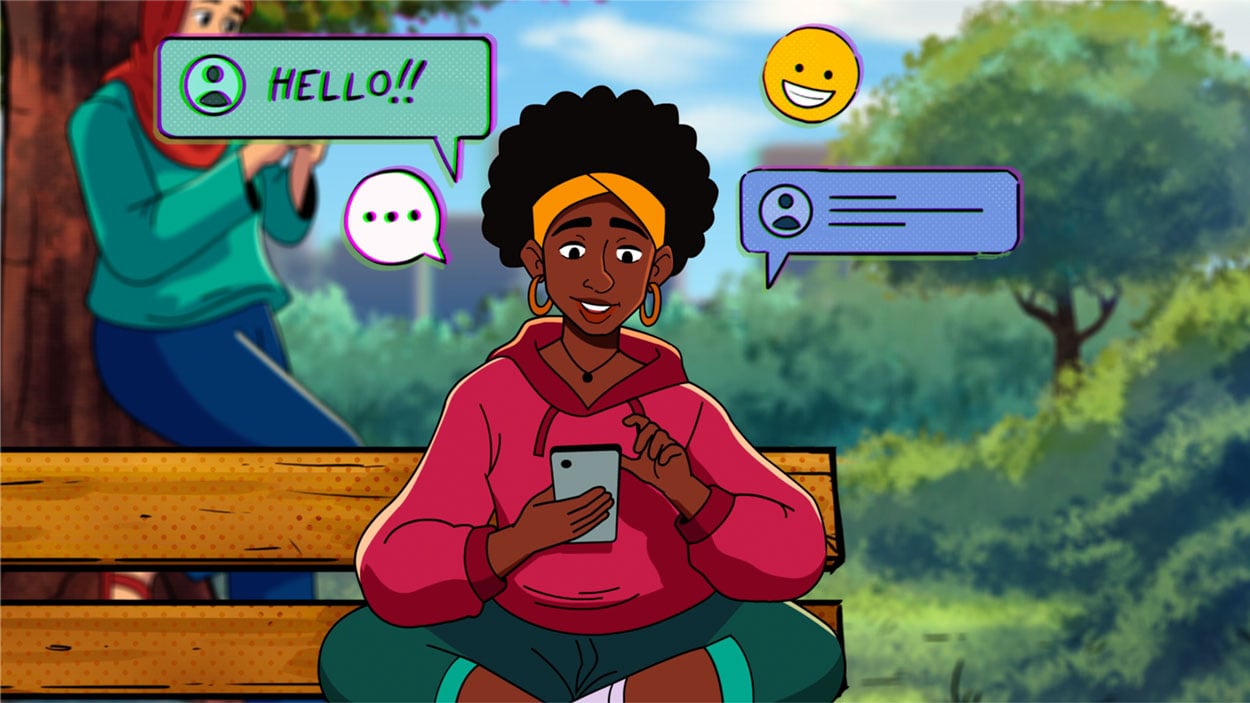
Here are some examples of educational videos in the different animation styles that we use at Creamy Animation. Educational videos can use any style, based on the target audience and the type of content. From my experience, the style should always match the content, and when there’s a disconnect between the two, people tend to tune out.
2D Animation Style Educational Videos
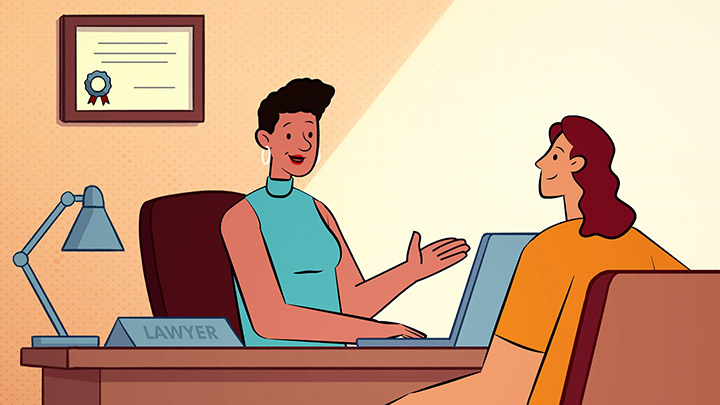
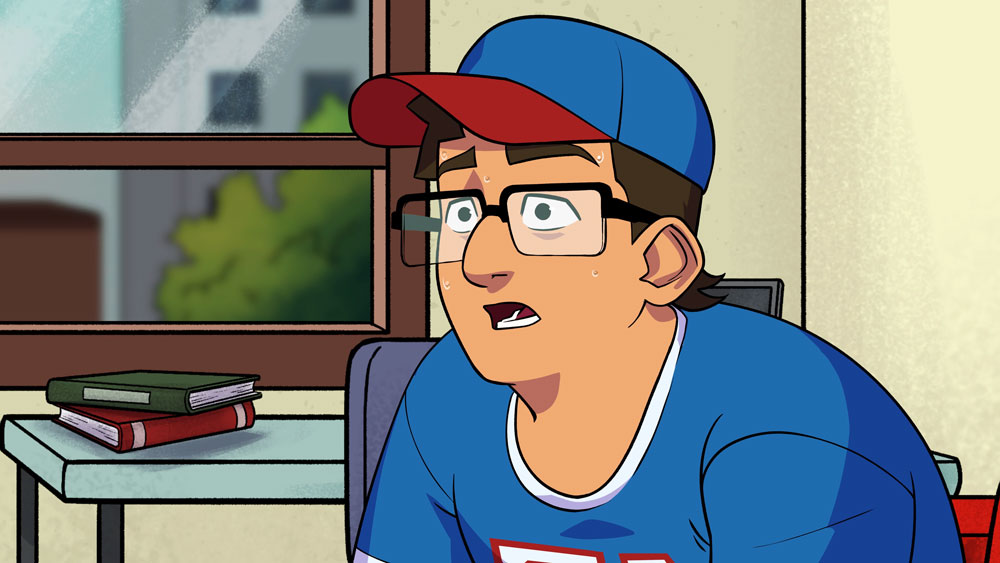
2D animation works best when an educational video needs to explain a topic through characters, environments, and visual storytelling. It is especially useful for teaching health, safety, social, workplace, or school-related subjects where viewers need to understand how a situation affects real people.
Animated characters can demonstrate behaviors, conversations, and decisions without requiring actors or physical locations.
This makes 2D animation a strong choice for employee training, public education campaigns, classroom lessons, and nonprofit awareness videos. It can also simplify abstract or sensitive topics by presenting them in a friendly and approachable way. Use 2D animation when emotional connection, storytelling, and audience engagement are just as important as communicating the information clearly.
Whiteboard Animation Style Educational Videos
Whiteboard animation is well suited to educational videos that need to explain a process, idea, or sequence of information step by step. The viewer watches illustrations and key points appear as the narration progresses, helping them focus on one concept at a time and keeping cognitive load low.
This style works particularly well for lectures, professional training, financial education, historical topics, and videos that break a complex subject into a logical series of ideas. Its simple visual format keeps attention on the lesson instead of decorative details.
Whiteboard animation can also recreate the feeling of an instructor explaining a topic on a board, making it familiar and easy to follow. Use it when the educational content is information-heavy and clarity is more important than detailed visual storytelling.
Motion Graphics Style Educational Videos
Motion graphics are ideal when an educational video needs to explain data, systems, technical concepts, or information that does not naturally involve characters.
Animated text, icons, diagrams, charts, and interface elements can show how parts connect, how a process works, or how information changes over time. This makes motion graphics a strong choice for science lessons, software training, healthcare education, financial topics, technical onboarding, and corporate learning. The style can turn statistics and abstract ideas into visual sequences that are easier to understand and remember.
Motion graphics also provide a polished, professional appearance that can follow an organization’s existing brand guidelines. Use this style when the lesson depends on visualizing information, comparing data, or explaining a system with accuracy and structure.
These 22 educational video examples are grouped by how each organization uses the video. Nineteen are videos we produced. Three come from the organizations’ own channels.
We made this one-minute motion graphics video for Clips University, a free Discord community. Members create clips from live streams, brands and TV shows.
The video gives newcomers a short sequence. Create a social account. Type the command !clip with a time when something interesting happens. Then download and post. A defined sequence tells a beginner what starts the process and what follows.
We produced this second parent video for Babilou Family. It shows what happens at its childcare centres each day. It opens by acknowledging that placing a child in someone else’s care can feel vulnerable.
Educators and a centre manager describe their roles, the focus on emotional security and a two-week settling period called familiarization. The video then walks through the spaces children use for play, rest, meals and outdoor time. It answers the parent’s worry before it describes the routine.
TED-Ed uses bouncing balls to show how small frame-to-frame changes affect animation. The lesson introduces timing and spacing to people learning the craft. Each term is tied to a movement the viewer can watch. That keeps the concept attached to a concrete example.
We produced this explainer for Abuzz, an engagement and retention platform built for schools. It follows the student lifecycle from admitted student to alum. The student side comes first. It shows a directory, interest groups and clubs, posts, events, group chats, classifieds and local discounts.
Then it turns to administrators. They can create content and send push alerts about campus emergencies, events and school news. One short story covers both the student experience and the staff tools.
This 1:07 video is part of the career-planning series we made for Western University. It explains how to use prototypes in career planning. The idea comes from product design. A prototype is a quick, low-cost test before a big commitment.
In life design, a prototype is a short experience or conversation that tests a career decision. A one-day job shadow is one example.
This 1:44 video we produced explains why the MMR vaccine matters for families. It describes the symptoms of measles and how serious the illness can be, especially for babies. The tone stays calm, which suits a health topic that can worry parents.
We made this 1:29 explainer for Lean BC about DMAIC, a problem-solving method used in Lean project management. It opens with questions most teams have asked, such as why everything takes so long. It then walks through the five phases, starting with defining the problem and collecting data from customers and employees.
In this 1:15 animated story we produced, Glowbie is a character who helps children understand their feelings. Glowbie glows yellow when happy and blue when calm. When a child has a bad day, Glowbie helps them talk about it and find their happy colour again.
This 30-second clip comes from the apprenticeship training series we produced for UBC Canada District. It defines stereotypes as fixed, oversimplified ideas about groups of people. It separates them from personal bias. Stereotypes are generalizations applied to entire groups, and they can be positive or negative.
Khan Academy introduces Khanmigo to teachers as an AI teacher’s assistant. The short message starts with the teacher’s job and how the tool supports it. It speaks to one audience and its work.
This 15-second clip from the same series starts on the job site. Crews mix backgrounds, ages, experiences and skills. The video names bias as the quick judgments people make about each other without realizing it.
This 16-second clip introduces the SBI-I model for feedback on the job or in mentorship. The letters stand for situation, behavior, impact and intent. The aim is feedback that stays clear, respectful and helpful.
This 16-second clip takes on a common line in trades training. Someone says they are a hands-on learner or a visual person. The video says that idea comes from a myth, an old theory called learning styles.
This 15-second clip introduces the six-step skill transfer model. In the trades, skills build through instruction, practice and feedback. The model helps mentors teach and helps learners build skills with confidence.
This 30-second clip opens on a safety session. One apprentice is focused. Another is zoning out. A third says they never get it until they see it on site. Same training, different results. The video introduces Universal Design for Learning as a way to change how a lesson is taught.
We produced this 63-second health and safety video for New Gold, a gold producer. It explains what “safety is our number one priority” means in practice. Never compromise on safety. Look out for one another. Stop work if it is not safe, and respect colleagues who raise hazards. Safety becomes a habit, not an item on a checklist.
Federal Student Aid presents the FAFSA as one application for federal, most state and some school aid. The video speaks to students deciding why to complete the form. Answering that purpose question on its own keeps it apart from the instructions a student needs once an application begins.
This 3:46 video we produced for Manitoba Nurses Union answers a member’s question. What actually happens at the AGM? It explains that the AGM is the union’s highest decision-making body. Members debate ideas, vote on resolutions, review financial reports and the budget, and sometimes hold elections.
It then sorts out who can vote. Voting delegates can move resolutions and vote. Observers can speak but not vote. Guests and staff have no voting rights.
This 1:48 how-to video we made for JM Bullion shows customers how to pack and ship valuable items. It lists the materials first. Then it walks through four steps. Secure the items in a smaller box. Label the inner box. Double box with padding. Apply the shipping label.
It closes with reminders. Use new unmarked boxes. Drop the package off at a FedEx Ship Center to keep the insurance valid.
We made this 2:14 unboxing explainer for CTN’s eCABIN. It takes the installer through each step in order. The crate opens, one wall becomes a ramp, the unit rolls out and the modules come apart. Warnings sit at the step where they matter, such as not pushing on the centre of the electrical cabinet door.
This 1:32 medical animation we produced shows the mechanism of action of burosumab. It is an antibody used to treat X-linked hypophosphatemia (XLH) and tumor-induced osteomalacia (TIO). The video explains how excess FGF23 leads to phosphate wasting and poor bone mineralization. It then shows how burosumab binds the excess FGF23, so phosphate levels and bone mineralization improve.
This 2:50 2D cartoon lesson we produced follows a nutrient from a cow’s meal to the milk children drink. A guide explains what cows eat. Then the video walks through the four compartments of a cow’s stomach: the rumen, reticulum, omasum and abomasum. Each step gets a plain picture children can hold on to, such as the omasum working like a big sponge.

Animated explainer videos introduce a subject and make complex concepts easier to understand. This format works well for scientific concepts, public programs, healthcare topics, company policies, and unfamiliar services. It is especially useful when viewers need a clear overview before moving into more detailed information.
How-to videos guide viewers through a task one step at a time. You can use them to demonstrate a process, teach a practical skill, explain how to complete a form, or show customers how to use a product. Animation helps direct attention to each step while removing unnecessary detail.
Customer education videos help people understand your product, service, or area of expertise. Topics may include common questions, key features, industry terms, or information that helps customers make better decisions. Unlike a traditional advertisement, the main purpose is to provide value and build trust.
Product training videos show customers or employees how to use a product correctly. For software, screen recordings can be combined with motion graphics, callouts, and interface animation to explain important workflows. This format supports customer onboarding, product adoption, technical support, and feature education.
Employee training videos teach workplace skills, procedures, policies, and expected behaviors. Common subjects include onboarding, compliance, health and safety, cybersecurity, customer service, and systems training. Animated scenarios make it possible to show realistic situations without a live action shoot, actors, or a location.
Microlearning videos focus on one topic at a time. Instead of placing an entire course into one long video, the material is divided into a series of shorter lessons. Each lesson might answer one question, explain one rule, or demonstrate one task, making the content easier for learners to revisit later.
Scenario-based videos promote active learning. They place viewers in realistic situations and show how different choices can lead to different outcomes. This approach works especially well for leadership, ethics, safety, customer service, healthcare, and compliance training. Characters and storytelling help connect the lesson to situations learners may face in real life.
FAQ videos answer questions your audience asks repeatedly. Common uses include explaining policies, resolving product issues, clarifying service details, and guiding viewers through basic troubleshooting. Each question can stand alone as a short video, making the content easier to find through search engines, help centers, and learning platforms.
Let’s take a look at the benefits a powerful educational video can offer. An ideal educational video;
When an audience is looking for useful information, it is your brand’s job to provide it. An educational video is a great opportunity to help leads find answers to their questions and advise them when they are straight-up asking for it.
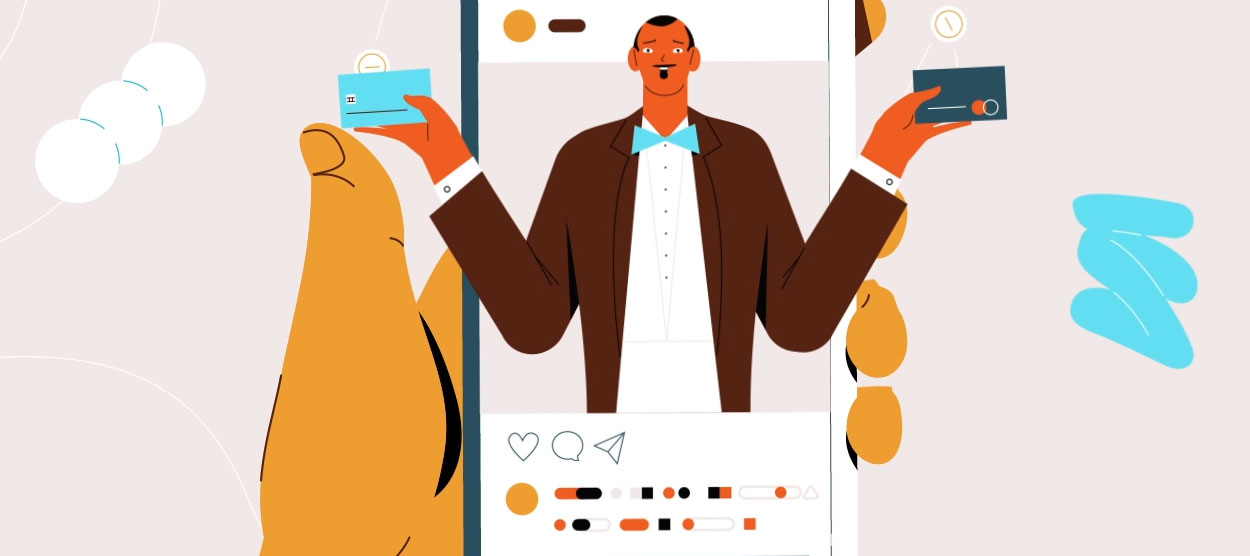
Did you know that YouTube invests in brands that make educational videos? It also helps many companies and firms find educational YouTubers for producing sponsored content. It does this because educational videos are tremendously helpful in positioning your business as a source of useful knowledge.
Educational videos can make your brand a reliable name for the customers and help you attract new customers, although you are just teaching in the videos and not selling anything. Precisely, a good and comprehensive video can make leads trust your brand.
Once you’ve taught leads or audiences something new that they liked or benefited from, they will consider what else they can learn from your educational videos. In other words, if your educational video is worth the audience’s time, it will trigger their curiosity and interest, and promote your brand.
Educational videos are the awareness stage of your marketing funnel. That means when the audience starts educating themselves, strong educational videos hold their attention and also prove your knowledge and capability to prospects. As they are infinitely flexible, they keep audiences informed.

Begin by deciding what viewers should understand or do after watching.
From my experience, strong educational videos work best when they focus on one clear learning goal. Consider who you are speaking to, how much they already know, and where they are likely to watch the content.
Next, choose a creative direction. Characters may help explain human situations, while diagrams or product screens may suit technical subjects. Keep the idea focused and make sure every visual choice supports the lesson.
A good script sets the direction for the entire project. Arrange each point in the order your audience needs to hear it. Introduce the subject, explain the key ideas, include an example, and finish with a short recap or next step.
Use simple, conversational language wherever possible. Brand terms, product claims, and calls to action should also be confirmed at this stage. Before production moves forward, ask a subject-matter expert to review the content for accuracy.
Storyboarding turns your script into a scene-by-scene visual plan.
Each frame shows what will appear on screen, such as characters, diagrams, text, product interfaces, or transitions. Visuals should add meaning instead of repeating every line of narration. That keeps cognitive load down, a core idea in multimedia learning research.
Marketing, creative, and subject-matter teams can now review how the lesson flows. Problems with pacing, clarity, or complexity are much easier to fix before animation begins.
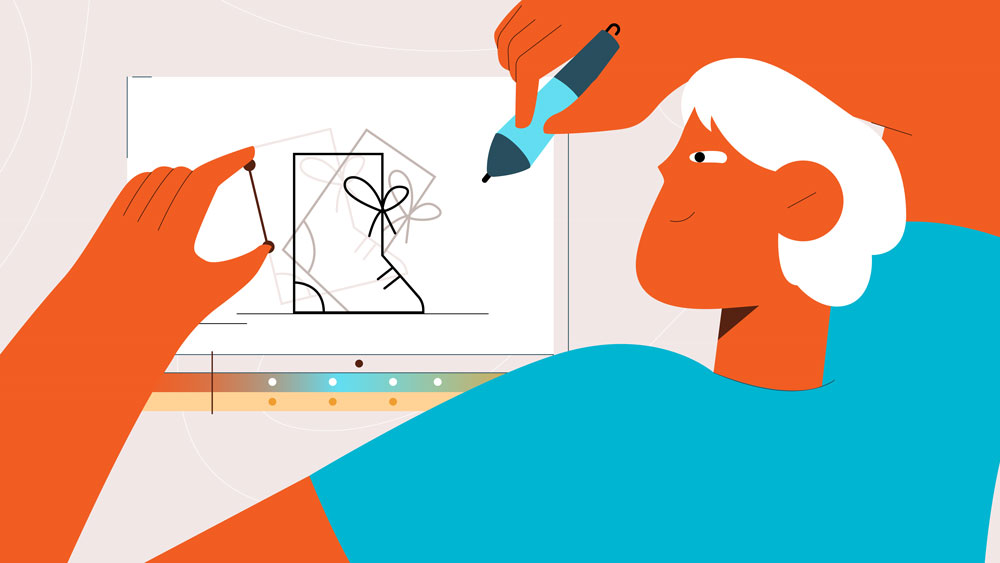
After storyboard approval, the design team creates the assets needed for production. Depending on the project, these may include characters, icons, charts, diagrams, backgrounds, or interface screens. A few style frames are provided, giving you a chance to approve the visual style before every scene is completed.
Brand consistency matters, but clarity matters more. Avoid decorative details that distract from the information being taught.
Animation brings the video to life. The motion should guide attention, demonstrate a process, or make a complex idea easier to follow. Voice-over, music, and sound effects are added during production.
Once approved, files can be prepared for websites, learning platforms, presentations, social media, or advertising. Shorter edits, vertical versions, transcripts, captions, or translated copies may also be needed.
If you’re the DIY kind of person, there’s a good number of animation apps you can use to create your own educational video. You can use animation apps like After Effects, but there’s a bit of a learning curve to get you going. Animated educational videos boost the quality of your content and makes it stand out.
A strong educational video is built on clarity. Complexity works against it. Start by defining one learning outcome and one audience, then script the video around the exact questions they need answered.
For professional-looking videos, Creamy Animation can help you bring your educational videos to life, whether it’s for a university, educational institution, or business, we’ve got you covered.
We specialize in developing educational videos that take your corporate communication and course content to the next level. Our team has produced training and educational video series for clients including Clips University and Western University. Both were delivered as internal course libraries instead of public YouTube uploads, which is common for institutional training content.
Find out how we can help you create an educational video that delivers on these benefits we discussed throughout the article.

Larry is the founder and Chief Storyteller at Creamy Animation, founded in 2009. He leads a team that creates story-driven videos for businesses and nonprofits. 15+ years in video strategy and production, specializing in SaaS, B2B, and nonprofit storytelling. A marketer, designer, and animator, Larry has overseen the production of more than 1,500 videos for Fujitsu, Logitech, Warner Brothers, NFL, Blockdaemon, Astronomer, Canonical, and 370+ others.
For Larry, God is first, and everything else is a blessing that comes from serving Him. When he’s not working, he’s hanging out with his wife and three kids, playing the piano, or pursuing his filmmaking side hustle.