
NEW! Video Cost Calculator. Get an estimate for your project in less than a minute.
We’ve made tech explainers for the company behind Ubuntu, a project-controls platform used on construction sites, and a billing app for doctors. Very different products, same problem underneath: the buyer can’t picture what the thing actually does. Here are four of those videos, the formats we work in, and what each one costs.
 By
Larry Mutenda
By
Larry Mutenda
What is a tech explainer video? It’s a short animated video that explains what a technical product does and why it matters, usually in 60 to 90 seconds. A standard custom one costs $5,000 to $10,000.
The job is understanding. Someone should finish the video able to say what your product is, who it’s for, and why they’d care. That sounds obvious, but a lot of technical marketing jumps straight to features and leaves the buyer to assemble the meaning on their own.
A demo walks through the interface step by step, usually as a screen recording. An explainer sits one level above that. It sets up the problem, names your product as the answer, and only then shows the software. Most teams we work with need both, and they’re almost never the same video.
The homepage is usually the first home. After that they turn up in paid campaigns, in sales calls when a rep needs to set context quickly, and inside launch and investor decks. One master video plus two or three cutdowns covers most of it.
Eleven formats cover almost everything we get asked for. Ranges are for a fully produced 60-second video, and they follow the tiers in our explainer video cost guide.
| # | Format | What is on screen | Best for | Typical range |
|---|---|---|---|---|
| 1 | Motion graphics | Type, icons, and abstract shapes | Platforms and categories with no single interface to point at | Standard, $5,000–$10,000 |
| 2 | Product and UI animation | A rebuilt version of your interface, animated | SaaS and app products | Standard, $5,000–$10,000 |
| 3 | Character-led | People and situations before the software appears | Products sold on a human frustration | Standard to Premium |
| 4 | Isometric and technical | Diagrams, networks, and data moving between systems | Infrastructure, security, and developer tools | Standard to Premium |
| 5 | 3D | Rendered hardware, components, and cutaways | Devices, chips, and physical technology | Premium, $10,000–$25,000 |
| 6 | SaaS onboarding explainer | The first-run experience, animated step by step | Products where activation is the hard part, not the sale | Standard, $5,000–$10,000 |
| 7 | API and integration explainer | Data moving between services, endpoints, and apps | Developer tools and platforms sold on how they connect | Standard to Premium |
| 8 | Cybersecurity and infrastructure explainer | Threats, networks, and defenses shown as a system | Security, cloud, and infrastructure products | Standard to Premium |
| 9 | AI and machine learning explainer | Models, data pipelines, and outputs made visible | AI products where the value is invisible under the hood | Standard to Premium |
| 10 | Data and analytics explainer | Animated charts, dashboards, and metrics in motion | Analytics, BI, and data platforms | Standard, $5,000–$10,000 |
| 11 | Developer tool explainer | Code, terminals, and workflows shown in context | Products sold to engineers who distrust marketing | Standard to Premium |
Here is what each format is and when it earns its place, in one line each.
Type, icons, and abstract shapes carry the story with no interface on screen. Best for platforms and categories that have no single screen to point a camera at.
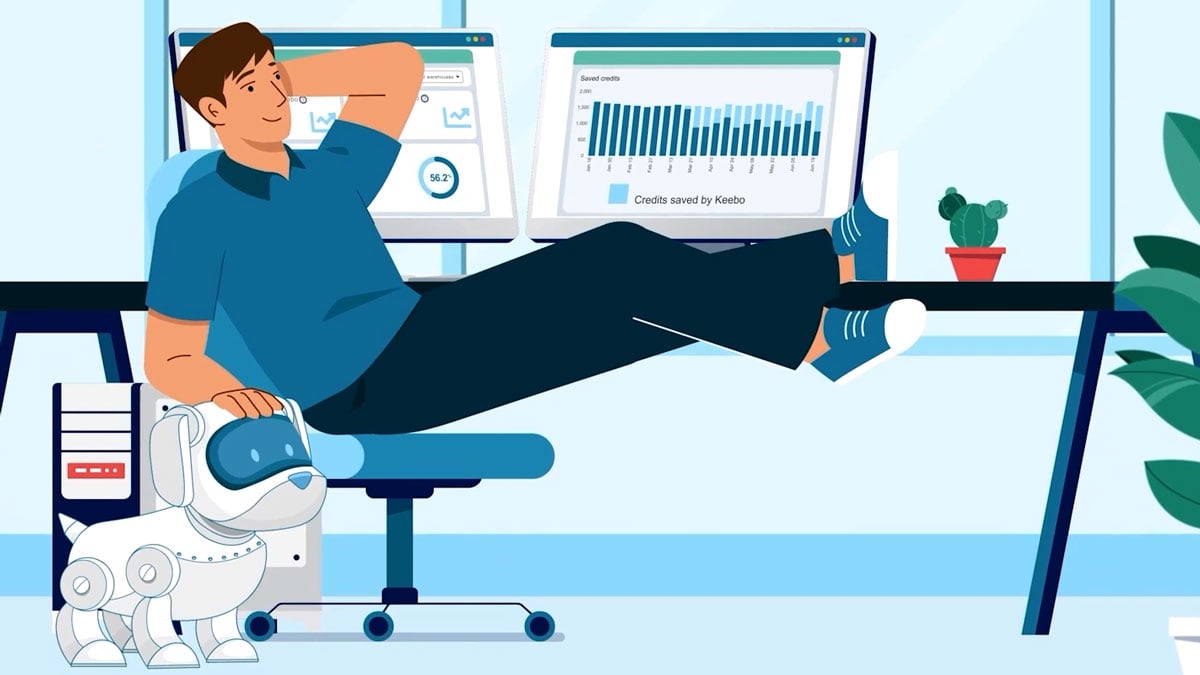
Your interface, rebuilt as animation assets so it moves the way the story needs. Best for SaaS and app products where seeing the software is the point.
People and situations come first, and the software arrives as the answer to a human frustration. Best for products sold on a feeling rather than a feature.
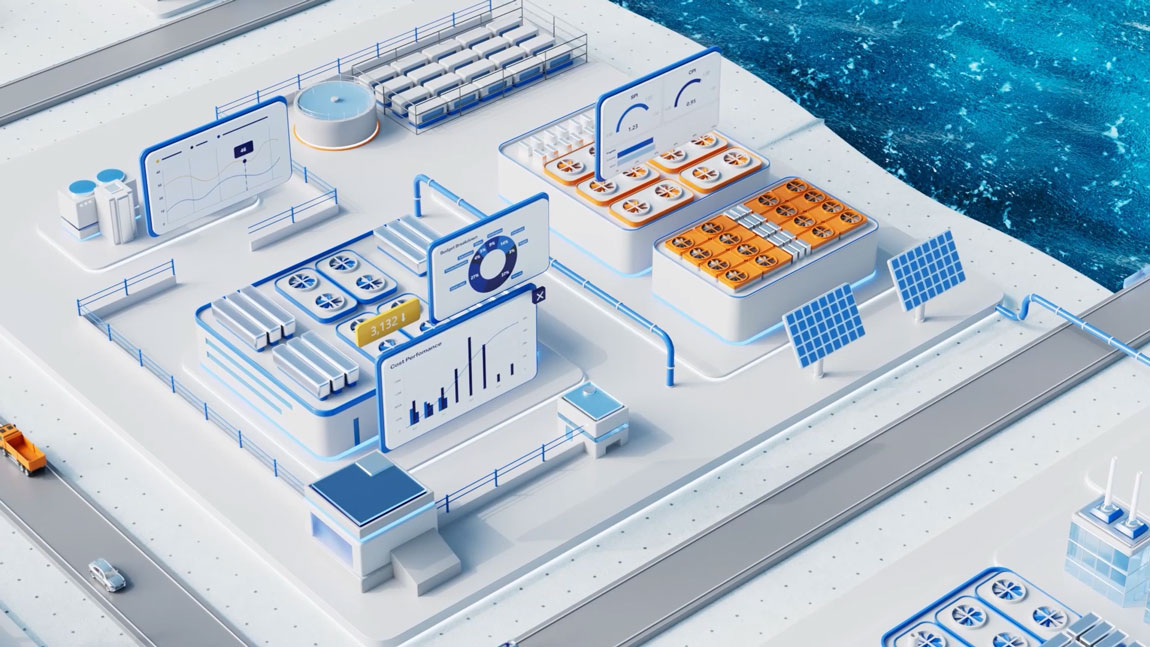
Diagrams, networks, and data move between systems in a clean three-quarter view. Best for infrastructure, security, and developer tools.
Rendered hardware, components, and cutaways show physical technology from the inside. Best for devices, chips, and anything you would otherwise have to take apart.
The first-run experience, animated step by step so activation feels obvious. Best for products where getting people started is harder than getting them to buy.
Data moving between services and endpoints, made visible as a flow. Best for developer tools and platforms sold on how well they connect.
Threats, networks, and defenses shown as one system a viewer can follow. Best for security, cloud, and infrastructure products.
Models, data pipelines, and outputs pulled out of the black box and onto the screen. Best for AI products where the value is invisible under the hood.
Charts, dashboards, and metrics animate in the order that makes them make sense. Best for analytics, BI, and data platforms.
Code, terminals, and real workflows shown in context, not glossed over. Best for products sold to engineers who tune out marketing.
All four are ours. We picked them because each one had a different problem to solve: an open-source platform, an enterprise system, an early-stage startup, and an app for an audience that isn’t technical at all. Our clients don’t release their performance numbers and we don’t publish them, so you won’t find view or conversion figures attached here. Last verified September 2026.
Jump to an example: 1. Canonical · 2. Contruent · 3. TestBox · 4. Dr. Bill
Canonical is the company behind Ubuntu. Enterprise open source is hard to put on a homepage, because the product is a whole platform and not a screen you can point a camera at. We stayed with clean motion graphics and typography, and let the narration carry the argument.
Best for: platforms with no single interface to show.
The obvious version of this video is a feature tour. We didn’t make that one. Contruent is project-controls software for construction and mining, so we built simple animated scenes around what goes wrong on a large capital project, then placed the platform in the middle of it.
Best for: enterprise software sold to a committee.
A startup explainer, and a short one. It opens on the buyer’s problem before the product gets named, which is the structure we reach for most often.
Best for: early-stage products that have to explain a category as well as a product.
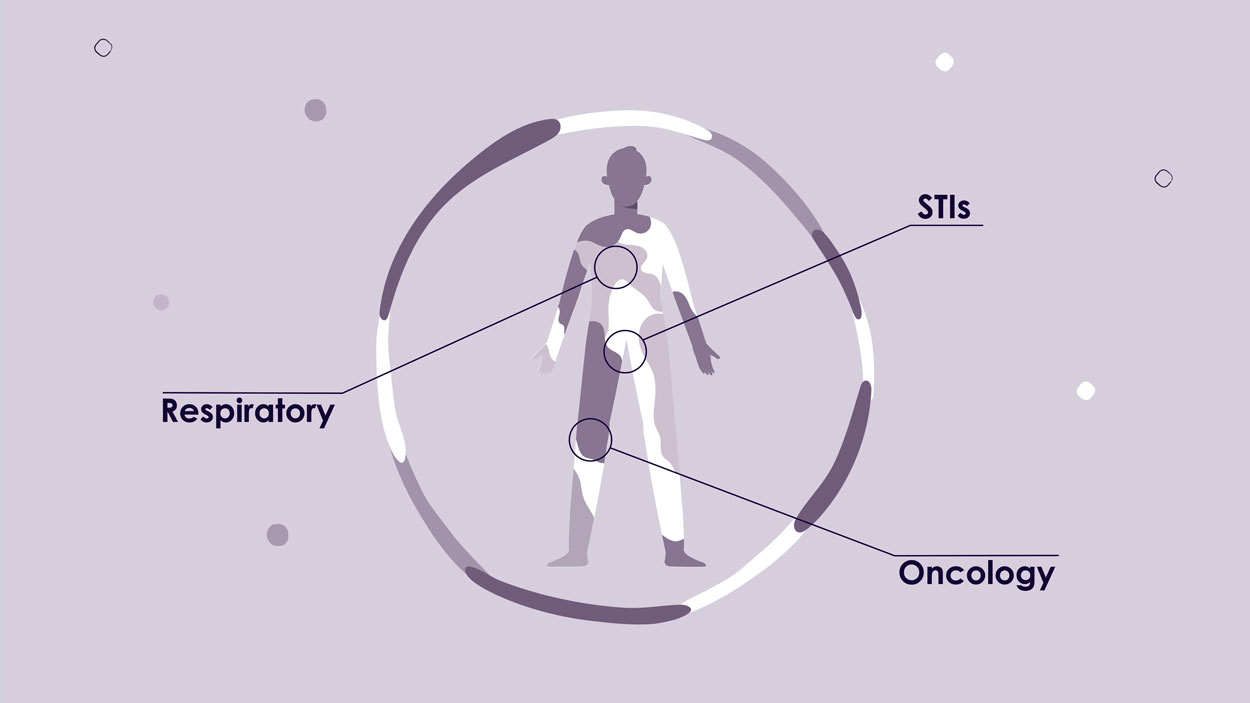
Dr. Bill is a billing app for physicians, so the audience here isn’t technical at all. We spent the runtime on the admin work the app takes away, and treated the interface as a supporting character. If you want more software examples, we broke down ten of them in our software and B2B explainer video examples.
Best for: products sold to a non-technical buyer.
Write down the one thing people consistently get wrong about your product. That sentence usually tells you whether you need interface animation, a diagram, or a person on screen.
If the value only lands once someone sees the software working, animate the UI. If the value is a concept, the interface will slow the video down and eat runtime you need elsewhere. It’s one of the first things we ask about on a kickoff call.
Sixty to ninety seconds holds roughly 150 to 220 words of voiceover. That’s room for one idea, explained properly.
Social and ad versions cost far less when they’re planned alongside the master video. Order them afterwards and we’re back inside finished scenes, re-framing and re-timing them.
A standard 60-second tech explainer runs $5,000 to $10,000 with us. Premium work with custom characters, heavy interface animation, or 3D runs $10,000 to $25,000. Enterprise and multi-video programs start around $30,000. At the other end, our AI-assisted entry-level animation starts at $2,500 to $4,000.
Scene count and animation style move the number more than runtime does. A 90-second video built from six simple scenes can cost less than a 60-second one built from twenty. Our explainer video cost guide has the full breakdown, and the technology video production page covers what we do beyond explainers.
Six stages: strategy, script, storyboard and style frames, design, animation, then versioning and delivery. Four to six weeks is normal for a 60 to 90 second video. What actually moves that timeline is how quickly each stage gets reviewed on your side, not how complicated the animation is. Our explainer video production page walks through each stage.
Sixty to ninety seconds for most products. That’s long enough to set up the problem and show the product, and short enough that people finish it. Detailed walkthroughs can justify two to three minutes when the extra detail is doing real work.
A demo shows the interface step by step, usually as a screen recording. An explainer explains the concept and the value first, and uses animation to make the idea land before anyone looks at the software.
Four to six weeks from kickoff to final delivery for a 60 to 90 second video. Creative complexity matters, but how fast reviews come back matters more.
Animation, usually. It can show interfaces, data, and abstract systems a camera can’t reach, and it’s much cheaper to update when the product changes. Live action earns its place when a real person or a real environment is the point.
Yes. We rebuild your UI as animation assets, so the video reflects how the product really works without the limits of a screen recording.
No. Scriptwriting is part of the project, and we get the script approved before any storyboarding or animation begins.
A tech explainer earns its budget when it removes the work of understanding your product. Pick the format from what your buyer can’t picture, hold the video to one idea, and scope the cutdowns while the script is still open.
Related: explainer video production, SaaS video production, and software explainer video examples.

Larry is the founder and Chief Storyteller at Creamy Animation, founded in 2009. He leads a team that creates story-driven videos for businesses and nonprofits. 15+ years in video strategy and production, specializing in SaaS, B2B, and nonprofit storytelling. A marketer, designer, and animator, Larry has overseen the production of more than 1,500 videos for Fujitsu, Logitech, Warner Brothers, NFL, Blockdaemon, Astronomer, Canonical, and 370+ others.
For Larry, God is first, and everything else is a blessing that comes from serving Him. When he’s not working, he’s hanging out with his wife and three kids, playing the piano, or pursuing his filmmaking side hustle.