
NEW! Video Cost Calculator. Get an estimate for your project in less than a minute.
In this article we share some insights into the best software for explainer video production, with a focus on 2D animation and motion graphics.

 By
Larry Mutenda
By
Larry Mutenda
The software used to produce explainer videos can shape everything from visual style and animation quality to production speed and cost. Some tools are better for motion graphics, others for character animation, editing, sound, or 3D visuals.
In this guide I provide a breakdown of the recommended animation software used in explainer video production. We also discuss what each platform is best suited for, and how those tools fit into the process of creating clear, effective explainer videos.
Choosing the best animation software mostly depends on the styles of animation you’re creating, whether it’s 2D or 3D.
This section is relevant if you’re thinking of having an in-house team. It’s also good to know the software used, in cases where you want to use the video files at a later date, without having to deal with the production studio.
If you want to sketch short 2D ideas, you need something very different from a full 3D package for product visualization or cinematic scenes. The same goes for motion graphics. A tool that works well for social content or explainer videos may not be the best fit for frame-by-frame character animation.

This guide covers the most useful animation apps, software, and tools available today—so you can pick the right one based on what you want to create.
You’ll find options for 2D, 3D, motion graphics, and stop motion, plus a quick way to shortlist tools by skill level and budget.
| TOOL | BEST FOR | PRICING MODEL | SKILL LEVEL |
|---|---|---|---|
| Adobe After Effects | Professional 2D motion graphics | Subscription | Beginner – Pro |
| Pencil2D | Simple 2D frame-by-frame | Free (open source) | Beginner |
| Procreate | 2D drawing + short animations | One-time purchase | Beginner–Intermediate |
| Blender | 3D animation + VFX pipeline | Free (open source) | Intermediate |
| Stop Motion Studio | Stop motion (LEGO, clay, products) | Free + one-time upgrade | Beginner |
| LottieFiles | UI/micro-animations (web/app) | Free tier + paid plans | Intermediate |
| Adobe Animate | 2D vector animation + interactive | Subscription | Intermediate |
| Toon Boom Harmony | 2D character animation (studio workflows) | Subscription | Intermediate–Pro |
| Cinema 4D | 3D motion graphics + rendering | Subscription | Intermediate–Pro |
| Maya | Pro 3D animation + rigging | Subscription | Pro |
| Alight Motion | Mobile motion graphics + edits | Subscription (in-app) | Beginner–Intermediate |
| VistaCreate | Fast marketing animations/templates | Free Starter + paid Pro | Beginner |
| FlipaClip | 2D frame-by-frame (mobile-first) | Free + in-app purchases | Beginner |
We created this list of the best animation software for explainer video production. Every software is different and when used well can help achieve the intended results.
Adobe Animate CC, formerly known as Flash, is the industry-leading software for creating vector-based 2D animation videos. Just like its rival, Harmony, Animate is widely used in the production of television shows, movies, and for character animation videos.
My team at Creamy Animation uses Animate to create the character animations you see in most of our videos. Adobe Animate has continued to evolve over the years. From simple motion graphics to complex character animations.
With its reputation as the industry standard for animation software, Adobe Animate CC has been trusted by professionals in various fields, including advertising agencies, game development animation studios, and multimedia production companies. Its versatility and reliability make it an essential tool for anyone looking to create professional videos.
In February Adobe announced it was shutting down the animation App. The news was met with unprecedented backlash and protest from the animation community. Adobe reversed it’s decision to shutdown and put the app on maintenance mode instead.
This shows how powerful and important Animate is in the industry.
Adobe After Effects is the best motion graphics animation software for explainer videos. As an industry standard animation and motion graphics software After Effects gives you precise control over placement of graphics, typography, transitions, and visual effects.
It allows you to use expressions to create even more complex animations that would be impossible to make with keyframes alone.
At Creamy Animation, we use AE for motion graphics and Adobe Animate for characters animation. You can also create 2.5D animation style videos, which are a blend of 2D and 3D animation, without using a full 3D software.
It works well for building polished product demos, brand stories, and educational content. With strong plugin support and flexible workflows, After Effects suits both solo designers and professional studios.
Toon Boom Harmony is the industry leading 2D animation software for animation studios, especially those who produce TV shows.
The reason being that it has an intuitive asset building system that makes it easy to manage a production pipeline with larger teams.
It incorporates drawing and rigging features that enable animators to create smooth and lifelike character animations. Harmony allows artists to save time by easily incorporating complex animations into their projects without having to start from scratch.
Even though we don’t use it at our studio, I at one time used Toon Boom Storyboarding and found it very intuitive, with its advanced camera features.
Toon Boom Harmony is known for its compatibility with other industry-standard software such as Adobe Photoshop and After Effects. This seamless integration allows artists to work across multiple platforms, enhancing their productivity while maintaining a consistent workflow.
Cinema 4D is the industry standard for 3D motion graphics, realistic renders, product visualization, dynamics simulation, character animation.
We use Cinema 4D in our workflow and can’t think of anything that comes close. Blender is a great alternative, but it’s still far from matching the capabilities, in my opinion.
Cinema 4D may be an expensive tool for most artists but based on other alternatives out there, its well-worth paying for the production quality you can deliver with it. With the Maxon One suite you have all the tools you need to create professional motion graphics and cinematic visual effects
Blender has become one of the most capable 3D tools on the market, and the fact that it’s free still surprises people. It can handle modeling, rigging, animation, rendering, and compositing, so for the right user it can cover a lot of ground in one place.
We’ve used Blender in some of our projects because of it’s ease of use and professional quality renders. Blender is the kind of tool we’d look at for 3D product visuals, stylized scenes, or projects that need more depth than a standard motion graphics workflow.
The learning curve is not as steep as Cinema 4D, Maya, and other 3D animation software out there..
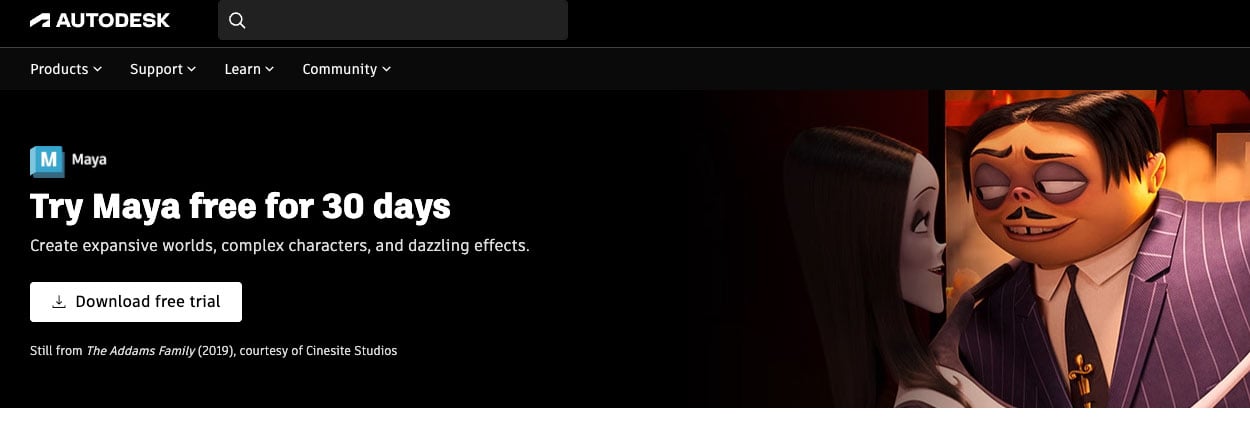
Autodesk Maya is a powerful 3D animation program that’s been used in most of the animated movies we’ve watched for decades.
This animation app is used by major Hollywood animation studios like Pixar, Disney, and many others. One of the key strengths of Autodesk Maya lies in its ability to create lifelike characters and animations.
Many of the most impressive animated films have been made with Maya, and it’s easy to see why. The software gives artists a high level of control when creating detailed characters, rich environments, and polished visuals that feel cinematic.
It’s especially strong for character animation, with rigging tools that help animators create movement and expressions that feel fluid and believable. From small facial details to large action-heavy scenes, Maya gives studios the flexibility to build breathtaking animation.

Pencil2D is about as simple as animation software gets, and that simplicity is what makes it useful.
If you want to learn frame-by-frame animation, Pencil2D gives you a straightforward place to practice drawing, timing, and motion without getting buried in the details.
I would point beginners to something like this for learning the basics or testing rough hand-drawn ideas, not for polished client work. You’ll hit its limits fairly quickly, but would be a great tool to get your hands wet.
And did I say it’s free? Go ahead and get started.
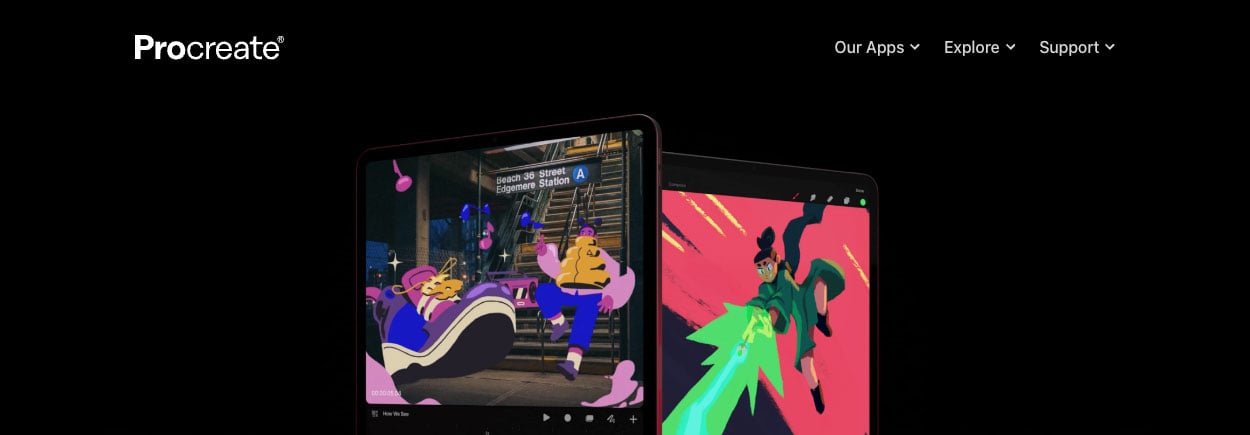
Procreate is a natural fit for artists who already like working on an iPad and want to turn sketches into short animated pieces. It’s especially good for rough concepts, simple loops, and visual experiments that need to come together quickly.
This is the kind of tool that makes sense when exploring style frames or motion ideas before rebuilding them in software better suited for production.
I’ve often used Procreate for storyboarding on my iPad because it allows me to sketches ideas on the board fast, even when I’m on the road. My teenage daughter also uses the app for her sketches and paintings.
With the new animation capabilities, there’s a lot more you can do, but may not fit a production pipeline in an animation studio.
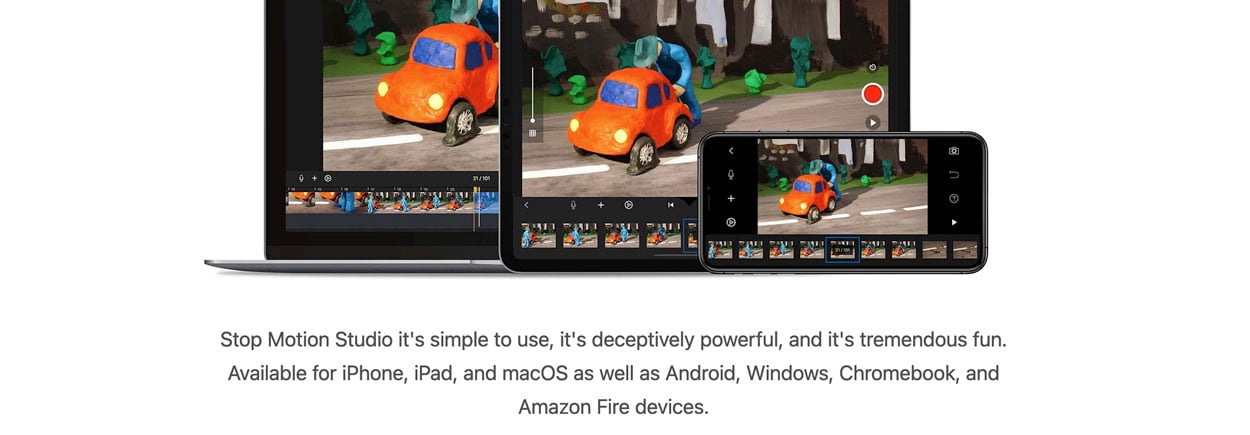
Stop Motion Studio is a straightforward tool for anyone who wants to animate real objects instead of drawing or building 3D scenes.
If you like working with LEGO, paper cutouts, products, or simple props, it gives you an easy way to shoot frame by frame and watch the motion build shot by shot. I’ve tried my hand at stop motion and got some great results.
It’s just the time it takes to make these videos is unbelievably long. I have so much respect for stop motion artists for their patience and dedication to the craft.
Stop Motion Studio makes the production process less painful and more rewarding, because you get results faster. In the right hands, stop motion can look charming and memorable.
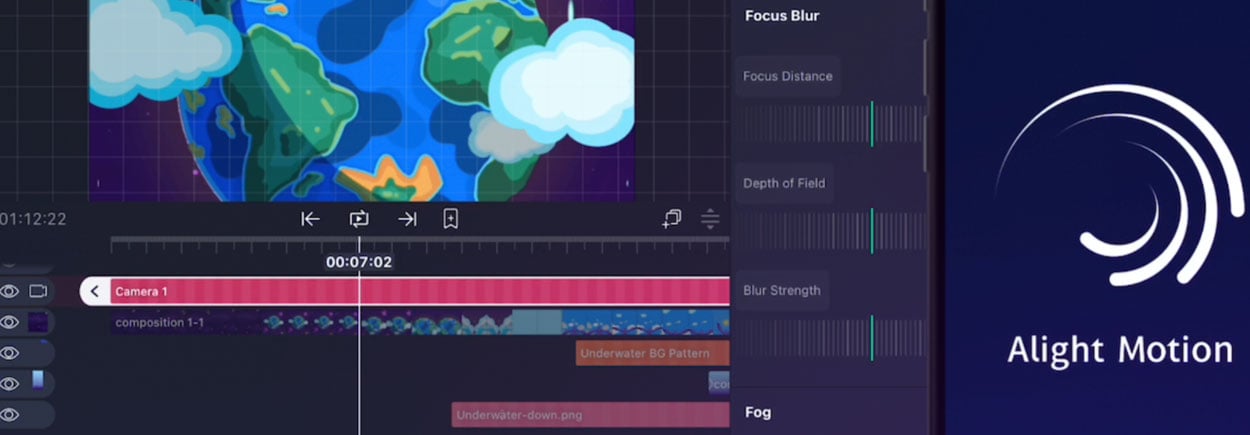
Alight Motion is a mobile app that makes it easy to create animations and motion graphics right from your phone or tablet. It’s a good option for quick projects, especially if you want something more polished than a basic editing app.
You don’t need expensive software or a long learning curve to make something that looks good. Alight Motion gives you useful tools for adding text, shapes, transitions, and effects without making the process feel too technical.
It also uses vector-based editing, which helps keep your graphics looking sharp on different screen sizes. You can import photos, videos, and audio too, so it’s easy to pull everything together in one place.
VistaCreate is a simple web-based design tool that helps you turn static graphics into animated content without much effort. It comes with a large library of templates, which makes it useful for social posts, ads, and other branded visuals that need a bit more movement.
One of its biggest strengths is speed. You can start with a ready-made template, adjust the colors, text, and style to match your brand, and get something polished pretty quickly.
It also gives you enough control to tweak timing, transitions, text, and effects—very simple stuff.
No need much design or animation experience to get started, which makes it a good option for teams that want simple animated content.
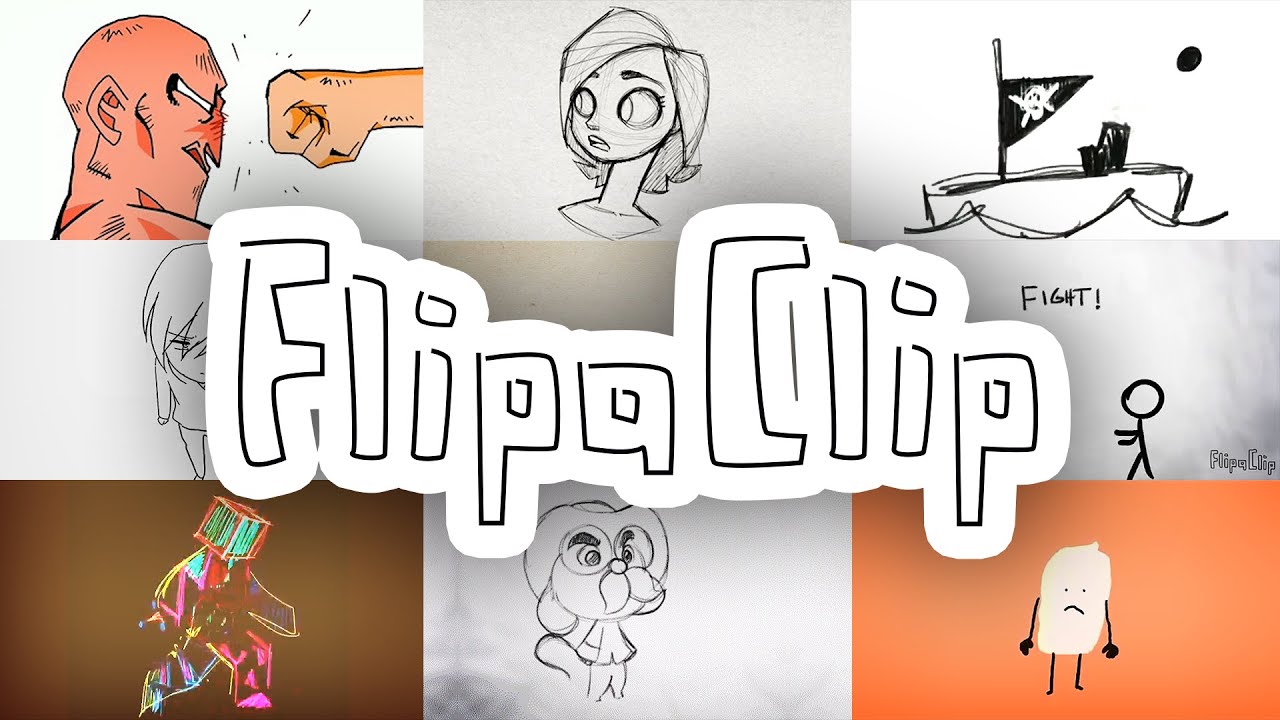
FlipaClip is a beginner-friendly animation app for iOS and Android that makes it easy to start creating frame-by-frame animation. It’s a good fit for hobbyists, students, and anyone who wants to learn the basics without jumping into more complex software.
The app keeps things simple. You draw each frame by hand, which helps you understand how movement works and how animation comes together shot by shot. It does take practice to get good at this style, but it can look great when done well.
If you’re just getting started and want something easy to pick up, FlipaClip is a solid place to begin.
The best animation app is the one that helps you produce solid work without getting in your way. Some artists need a simple tool to learn timing and motion. Others need a more advanced setup for client projects, motion graphics, or 3D production.
At Creamy Animation, we’ve seen that strong results usually come from choosing software that fits the project, the workflow, and the person using it. The goal is not to use the most complex tool. The goal is to use the right one well.
If you’re building explainer videos, branded animation, or marketing content, the best software is the one that helps you move from idea to finished piece with clarity and consistency.