Get an estimate in 60 seconds. No email required.
Government explainer videos turn rules, programs and public services into short videos people can follow. These 12 examples come from agencies, parliaments, cities and public programs, in many animation styles.
 Larry Mutenda
| Which government explainer videos are worth studying? Twelve stand out. LeanBC trains public servants, NASA JPL previews a landing, Rancho Water guides customers after a leak alert, two parliaments and the European Parliament explain how they work, the CDC warns about mixing drugs and BC Unclaimed helps people search for money they may be owed. |
A government explainer video is a short video made by or for a public body to explain a service, a rule or a public program. A city explains a program. A parliament explains how a law passes. A health agency warns about a risk. Animation suits these jobs because it can show a process, a system or a risk that a camera cannot film.
The 12 examples below mix styles on purpose: 3D, flat 2D characters, cartoon, illustrated, motion graphics, stop motion, kinetic type and mixed media. You can compare them side by side.
Most of these videos were made by or for a government body. BC Unclaimed is a non-profit designated by the Province of British Columbia to run a public program. Upper Hay Regional Forests is a cooperative of forest companies explaining a provincial planning system.
Six videos come from the Creamy Animation video library: LeanBC, Rancho Water, Oregon Department of Education, City of Overland Park, Upper Hay Regional Forests and BC Unclaimed. The other six are published on each organization’s own YouTube channel and were available when we checked them on 28 November 2026. We describe each video from its own content and its published description. We credit any figures to the organization that published them.
Here is a quick overview of the 12 videos in this article. The table links to each example below.
| # | Company | Use |
|---|---|---|
| 1 | LeanBC | Process training |
| 2 | NASA JPL | Mission preview |
| 3 | Rancho Water | Customer how-to |
| 4 | UK Parliament | Civic education |
| 5 | Oregon Department of Education | Policy explained |
| 6 | Government of Chile | Health campaign |
| 7 | City of Overland Park | Children’s education |
| 8 | CDC | Health warning |
| 9 | Upper Hay Regional Forests | Planning system |
| 10 | European Parliament | Civic education |
| 11 | BC Unclaimed | Public service |
| 12 | Parliament of Victoria | Civic education |
Flat 2D character animation for public servants
Runtime: 1:29
LeanBC is the continuous improvement program of the BC Public Service Agency. The video explains a five-phase problem-solving method called DMAIC to public servants who have never used it. It opens with questions staff already ask, such as why there is not a better way to do something. It then walks the phases in order: define the problem and collect data, hold a workshop with the people who do the work, map and time every step, remove steps that are not needed and keep the change in place with a plan, do, check, act cycle. A short video lets every new team hear the method explained the same way.
Why it works:
Takeaway:
Start with the questions the audience already asks, then answer them with one method.
The LeanBC video comes from the Creamy Animation video library.

3D animated reel of a Mars landing
Runtime: 3:11
NASA’s Mars 2020 Perseverance Rover Landing Animations is a reel from the Jet Propulsion Laboratory, published in December 2020. Its description says the animations are for media and public use and depict key events during entry, descent and landing. No camera could film the whole landing ahead of time, so animation was the only way to show it. Each event gets its own shot, so a complex sequence reads as a clear order of steps. The animation set expectations before the event, and viewers already knew what each stage looked like when the real landing happened.
Why it works:
Takeaway:
Use animation to show what no camera can film, one event at a time.
The video is published on the YouTube channel of NASA Jet Propulsion Laboratory.
Flat 2D guide for customers after a leak alert
Runtime: 6:37
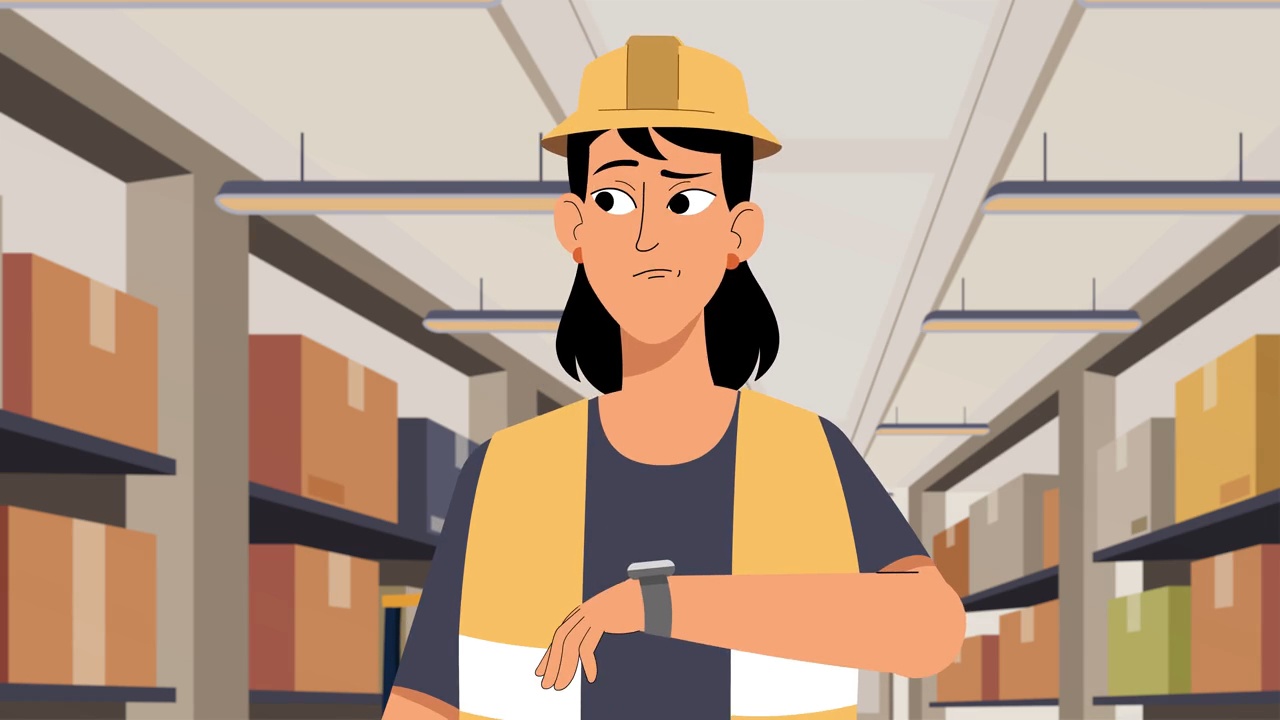
Rancho California Water District customers get an automated leak alert and may not know what it means. The video starts with the customer’s own question and becomes a step-by-step guide. The district takes hourly meter readings and sends an alert if water runs continuously for 24 hours. The video is honest about limits, since the district cannot locate or repair the leak for the customer. The viewer logs in to My Water Tracker, checks the meter’s leak indicator and shuts off the main valve to tell an indoor leak from an outdoor one, starting with toilets and a food colouring test. At more than six minutes it earns its length because each step is a task the viewer can do.
Why it works:
Takeaway:
Be clear about limits before anyone calls the agency, and point to tools that help.
The Rancho Water video comes from the Creamy Animation video library.
Flat motion graphics on how a bill becomes law
Runtime: 1:29
How laws are made was published by UK Parliament in 2014. Its description says it follows the stages of a bill from a proposal to becoming an Act of Parliament, and that it suits teachers as an overview. The process has many stages and two Houses. Simple flat characters and bold colour blocks let each stage appear as one clean step. The design never competes with the process. The viewer follows one bill from start to finish, which is what makes a classroom video easy to follow. The video is more than ten years old, so check current procedure.
Why it works:
Takeaway:
Follow one example from start to finish so each stage is one clean step.
The video is published on the YouTube channel of UK Parliament.
Illustrated character animation on student assessment
Runtime: 3:26
This video explains why schools use assessment. It is one half of a two-video series with What Is Assessment. Illustrated students and teachers, drawn in a comic panel style, carry the topic, so an abstract policy subject has people at its centre. The series splits one big subject into two questions: what is assessment, and why do we do it. Each video answers one of them, which keeps each script focused even at more than three minutes.
Why it works:
Takeaway:
Split a large policy subject into two focused questions.
The Oregon Department of Education video comes from the Creamy Animation video library.
Stop-motion short film for patients
Runtime: 2:56
Don’t Stop Motion was made for Gobierno de Chile by VML Chile and published in April 2025. Its description says the aim was to produce an artistic work and turn the process into a therapeutic tool. Patients living with rheumatoid arthritis helped mould the clay characters. The campaign tells patients about free medication and specialized therapies from government programs. The idea joins the message and the making, since the clay work was part of the patients’ own therapy. Stop motion shows the work of human hands in every frame. VML publishes its own results, so check its case study for figures.
Why it works:
Takeaway:
Let the production method carry part of the message.
The video is published on the YouTube channel of VML.
2D cartoon animation for young visitors
Runtime: 2:50
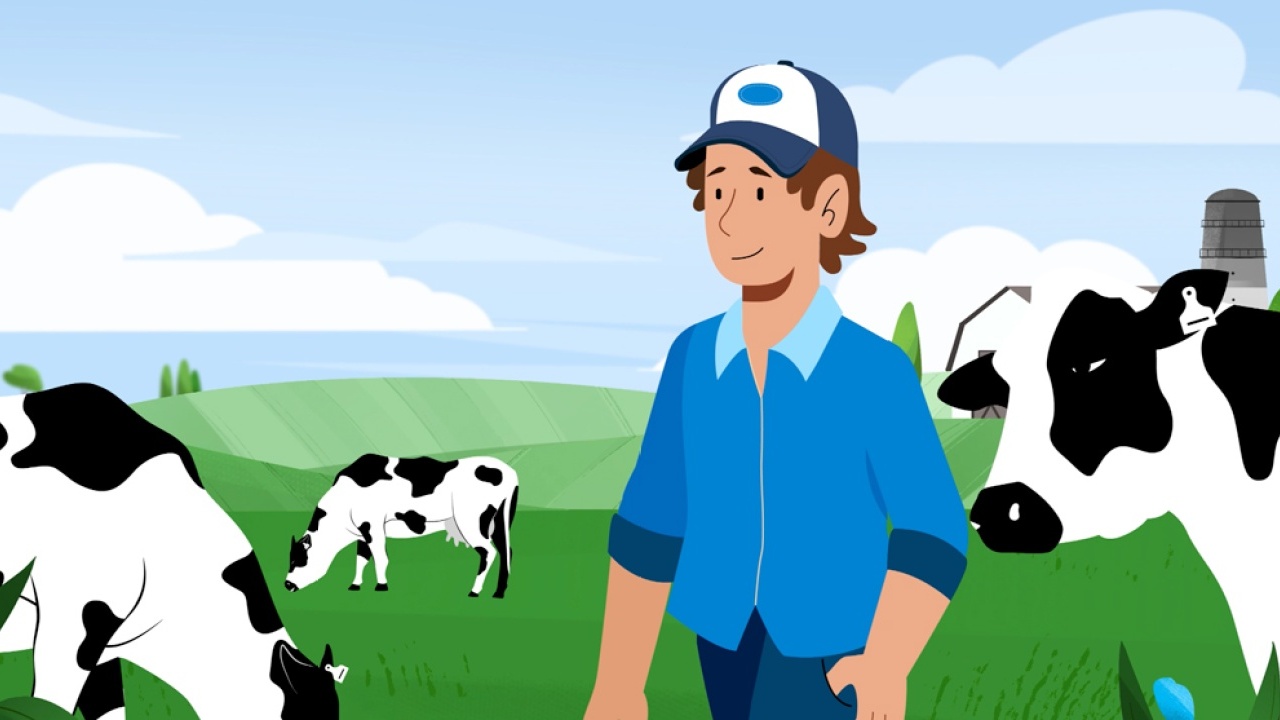
The City of Overland Park made this video for the Deanna Rose Children’s Farmstead. It explains to young visitors how a cow’s food becomes the milk they drink. A friendly host takes the viewer on a journey with a nutrient as the hero and the four parts of a cow’s stomach as the stops. The script talks to children in their own terms, and each stomach compartment gets one plain job. The video then moves on to the milking station, pasteurization and the dairy foods kids already know. It closes with a simple send-off to stay curious.
Why it works:
Takeaway:
Give each stage of a process one plain job and a guide children can follow.
The City of Overland Park video comes from the Creamy Animation video library.
Kinetic typography ad on mixing drugs
Runtime: 0:17
The CDC Polysubstance Animation was published in August 2023 as a short animated ad. Its description lists the on-screen text and calls it an animated graphic about mixing uppers and downers. The ad uses animated words on a dark background, not characters or images of drugs. That keeps the focus on one message: there is no way of knowing how your body will react when you mix drugs. Type alone keeps the message plain and neutral, and it reads with the sound off. Check the CDC’s current guidance for the latest figures.
Why it works:
Takeaway:
Keep a health warning plain and focused on one message.
The video is published on the YouTube channel of the Centers for Disease Control and Prevention.
Illustrated 2D animation on forest planning
Runtime: 1:33
Upper Hay Regional Forests is a cooperative of forest companies in Alberta, so it is not a government body. The subject, though, is a provincial planning system. The video explains how Alberta tracks forest values in forest management plans using values, objectives, indicators and targets, known as VOITs. Painted forest scenes carry the script, which lists what forests provide before it names the system. Alberta requires a set of VOITs in every plan, and the public and Indigenous communities can add more. The call to action is civic: attend local planning meetings and speak up for your forest values.
Why it works:
Takeaway:
Name the benefits before the system, and end on one civic action.
The Upper Hay Regional Forests video comes from the Creamy Animation video library.
Motion graphics and footage on how the Parliament works
Runtime: 0:57
How the European Parliament works was published on the Parliament’s own channel in August 2023. Its description calls the Parliament the only directly elected EU institution and says it represents the interests of EU citizens. The European Parliament is hard to picture from outside. The video pairs an illustrated graphic of the chamber with footage of the real place. Graphics explain the system and footage shows the setting. That blend of motion graphics and live footage suits public sector animation that has to look both clear and real.
Why it works:
Takeaway:
Pair illustrated explanation with real footage when an institution is hard to picture.
The video is published on the YouTube channel of the European Parliament.
Motion graphics on unclaimed property
Runtime: 1:11
BC Unclaimed is a non-profit society designated by the Province of British Columbia to manage its unclaimed property program. The video explains what unclaimed money and property are and gets people to search for money they may be owed. It has no characters and no story. A map of Canada with British Columbia highlighted sets the scene. The one action the viewer needs is a database search, so that is what the video shows. It is a benefit message, not a warning. The viewer has nothing to fear and something to gain, so the video only has to make the next step obvious.
Why it works:
Takeaway:
When the message is a benefit, make the next step obvious.
The BC Unclaimed video comes from the Creamy Animation video library.
Cut-out mixed media on how parliament makes laws
Runtime: 2:39
Parliament of Victoria explains: How parliament makes laws was published in 2012 on the Parliament’s own channel. Its description calls it a short animation to understand how laws are made. It uses paper cut-out graphics with a live-action hand that moves pieces on screen. It grounds the process in laws people meet every day, such as road safety rules and signs on a pool gate. A sign the viewer has already seen is easier to care about than an abstract statute. Compare it with the UK Parliament video above. The subject is the same, but the style is completely different. Procedures may have changed since 2012.
Why it works:
Takeaway:
Ground a process in something the viewer has already seen.
The video is published on the YouTube channel of the Parliament of Victoria.
The 12 examples use many styles, but the strongest share five habits. They explain one process in order. LeanBC walks through five phases, Rancho Water walks through a leak search and NASA shows a landing stage by stage. Each follows one path from start to finish, so the viewer never holds two ideas at once.
They start where the viewer already is. Rancho Water opens on the alert the customer just received, Overland Park opens with a host at the farm and LeanBC opens on questions staff already ask. The first seconds meet the viewer’s own situation.
They pick the style for the job. 3D shows a landing no camera could film. Stop motion lets patients shape the characters with their own hands. Kinetic type delivers a blunt health warning. Cartoon speaks to children at a city farm.
They name the next step and they are honest about limits. Search the database. Log in to My Water Tracker. Attend a planning meeting. Rancho Water tells customers it cannot locate or repair the leak for them, then points them to tools that can help.
Start with the one step you want viewers to take. Search a database, log in to a tool, attend a meeting or avoid a risk. BC Unclaimed and Rancho Water both build the whole video around a single action.
Decide who the video serves. Public servants learning a method, customers with an alert and students learning how laws pass need different language. LeanBC and UK Parliament show how far apart those audiences sit.
Explain one process in order and open on the viewer’s own situation. State the limits of the service. Have the program owner check every rule, date and figure, because procedures change.
Pick the style for the subject. Use 3D for what cannot be filmed, kinetic type for a plain warning and cartoon for children. A style that fits the message matters more than a style that is fashionable.
Place the video beside the service or rule it explains, with the official page for current details. Name an owner for updates, since a polished older video can mislead after a procedure changes.
These are Creamy’s general ranges for a custom 60-second explainer video. They are not mining-specific quotes. The cost calculator on this page gives an estimate for your own brief.
| Production tier | Typical cost |
|---|---|
| Freelancer | $1,000 to $5,000 |
| Professional studio, fully custom | $5,000 to $10,000 |
| Premium studio | $10,000 to $25,000 |
| Enterprise | $30,000 to $70,000+ |
Government animation is animated video made by or for a government body or public agency. It explains programs, services, laws and public health risks. The examples here come from NASA, the CDC, three parliaments, a city and several public programs.
Animation can show a process, a system or a risk that a camera cannot film. NASA previewed a landing before it happened. Parliaments use it to make a legislative process easy to follow.
It depends on the audience and the message. Flat 2D works for a process, 3D for what cannot be filmed, kinetic type for a plain health warning and cartoon for children. Choose the style for the job.
The videos here run from 17 seconds for a health warning to more than six minutes for a customer how-to. Match the length to the number of steps the viewer has to follow.
Open on the viewer’s own situation, explain one process in order and name the next step. State what the agency cannot do. Have the program owner confirm every rule and date.
Yes, and plain treatment often works best. The CDC uses animated words on a dark background so the message stays neutral and reads with the sound off. Follow your agency’s own guidance for wording.
Name an owner for the process and review the video when a rule, date or contact route changes. Several videos here are more than ten years old, so always check the official source for current details.
Creamy’s general ranges for a custom 60-second explainer are $5,000 to $10,000 for a professional studio and $10,000 to $25,000 for a premium studio. The budget step above has the full table, and the calculator on this page estimates your own brief.
Make a public process easy to follow. The 12 examples explain landings, laws, leaks, forests and farm animals, and each takes a single process and shows it in order. Start with the one step you want viewers to take, then choose the style that shows it most clearly.

Larry is the founder and Chief Storyteller at Creamy Animation, founded in 2009. He leads a team that creates story-driven videos for businesses and nonprofits. 15+ years in video strategy and production, specializing in SaaS, B2B, and nonprofit storytelling. A marketer, designer, and animator, Larry has overseen the production of more than 1,500 videos for Fujitsu, Logitech, Warner Brothers, NFL, Blockdaemon, Astronomer, Canonical, and 370+ others.
For Larry, God is first, and everything else is a blessing that comes from serving Him. When he’s not working, he’s hanging out with his wife and three kids, playing the piano, or pursuing his filmmaking side hustle.
Need pricing for your next project?
We'll calculate a pricing range for your project in less than 60 seconds.
Get Your Estimate!