Get an estimate in 60 seconds. No email required.

App Explainer Video Examples (18 Videos)

An app explainer video has a few seconds to show why someone should download, open or pay for an app. These 18 app explainer video examples come from real mobile and web apps in fintech, HR, travel, productivity and AI.

Explainer video examples for apps
What are the best app explainer video examples?
Strong app explainer video examples include CryptoSea for a trading tool, Hibob for a mobile HR app, Shopboxo for store setup, Payright for payment plans, FreshBooks for mobile accounting, Pleo for expense capture, Cryptohopper for a trading bot, Momatu for family photo sharing, Perplexity for a voice feature, Beam for a mobile wallet, Bear 2 for an app update, Microsoft for the Office app, Square for small business payments, Traveloka for travel booking, Lloyds Bank for mobile banking, Now Health International for a health insurance app, Embark for public transport and Gigtown for music booking.

What Is an App Explainer Video?

An app explainer video is a short video that shows what an app does, who it is for and how it works. Most run 30 to 90 seconds. They usually combine animated interface moments with a simple story about the problem the app solves.

App explainers appear on app store listings, landing pages, paid social and onboarding screens. Many are closer to a short product demo video, while others lead with the brand story and show the interface only briefly.

This article looks at 18 app explainer videos, from fintech and HR apps to travel, productivity and AI tools. For each one, I describe what the video shows and what other app teams can take from it. After the examples, I cover what an app explainer video costs and how to plan one.

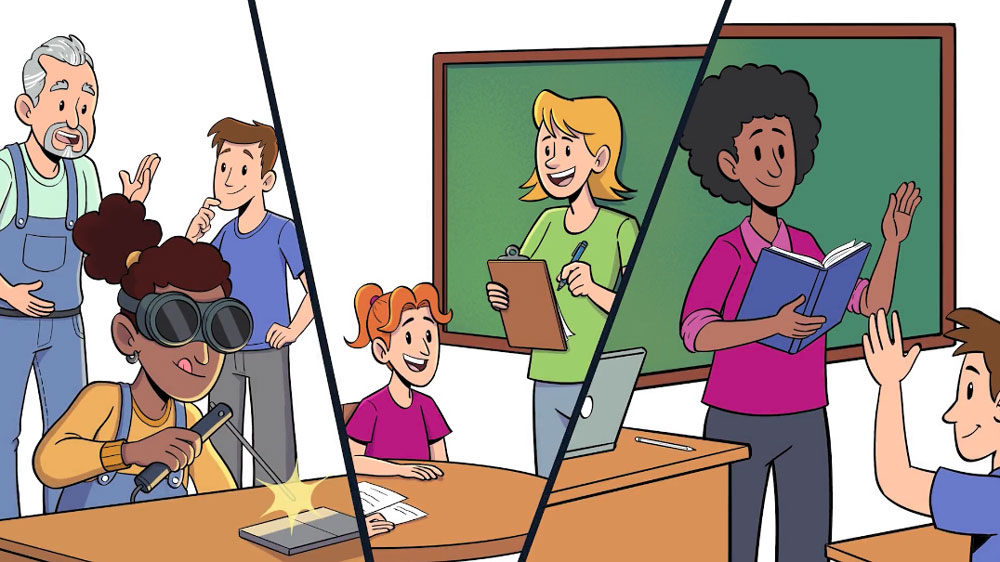
App explainer video example showing a student engagement app

In this article

Here is a quick overview of the 18 videos in this article. The table links to each example below.

How we chose these app explainer videos

Every entry had to pass four checks. The video explains a mobile or web app. The message is clear: it states what the app does, who it is for and why it matters, without burying that under a feature list. The video is still live and embeddable today. And together the list covers different jobs, from launch videos and feature updates to how-to walkthroughs.

No company here has published performance data for its video, so each entry says so rather than guessing. Every entry was last verified in September 2026.

The lead example, CryptoSea, comes from the Creamy Animation video library. The other videos were published by the app companies or by the studios that made them.

App Explainer Videos & Their Use

Quick list of app explainer video examples by company and use

#CompanyUse
1CryptoSeaApp marketing explainer for a crypto trading tool
2HibobApp explainer for remote and distributed teams
3ShopboxoApp explainer that demonstrates speed
4PayrightFast-paced app explainer built for social
5FreshBooksUI-first app explainer
6PleoOn-brand app explainer animated at 6 fps
7CryptohopperHybrid sales app video
8MomatuEmotional hybrid brand video for an app
9PerplexityShort feature explainer for an AI app
10BeamApp explainer for a multi-country audience
11Bear 2Launch explainer for a major app update
12MicrosoftApp explainer for a combined product
13SquareHow-it-works app explainer for small business
14TravelokaStore listing explainer for a travel app
15Lloyds BankApp update explainer for existing customers
16Now Health InternationalStep-by-step app explainer
17Embark40-second app explainer
18GigtownCharacter explainer for a two-sided app

Table of Contents

1. CryptoSea

App marketing explainer for a crypto trading tool

Runtime: 1:00

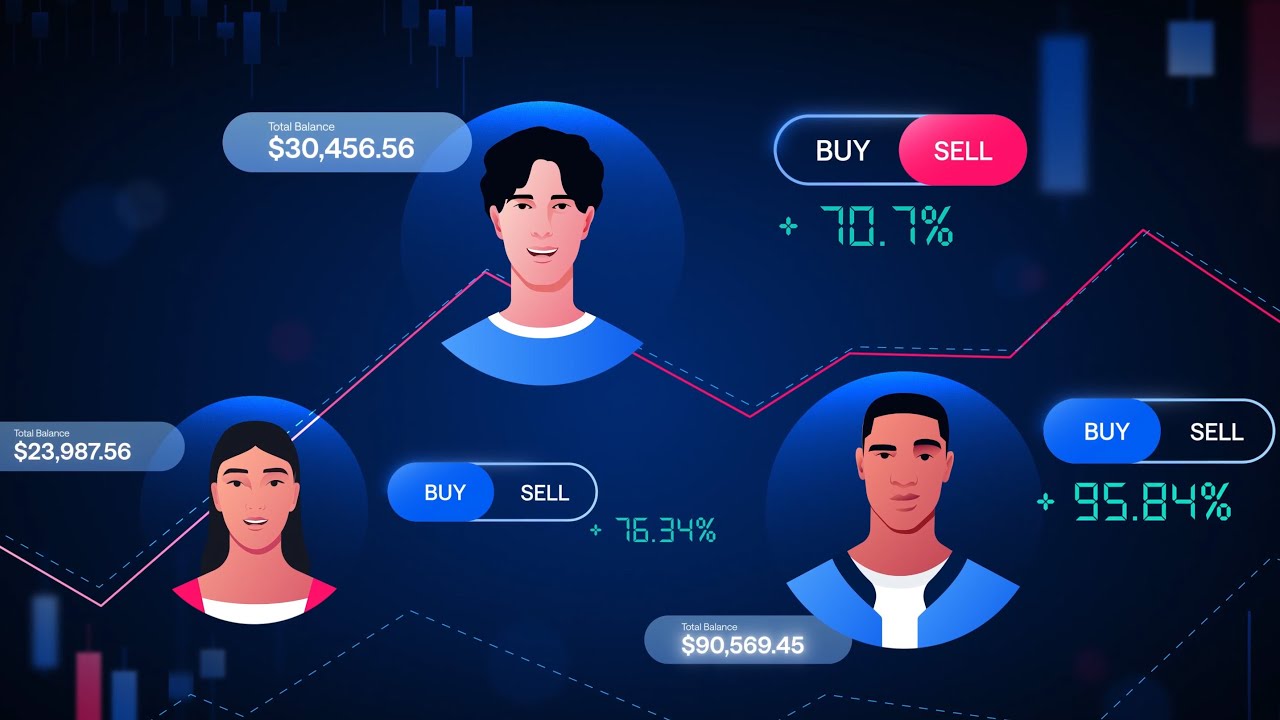
CryptoSea makes trading indicators and other tools for people who invest in crypto. The app explainer runs one minute, which suits a fast-moving audience.

Performance data: none published.

Why it works:

  • One minute: Traders get the value without a long setup.
  • Clarity first: A trading app depends on users understanding it at a glance.

Takeaway:
For fast-moving audiences, cut every second that does not explain the app.

The CryptoSea video is drawn from the video library of Creamy Animation.

case study

See How We Make App Tutorial Videos and Why They Work

  • Client Multiplan (HST)
  • Style Motion Graphics
  • Runtime 1:57
  1. 01
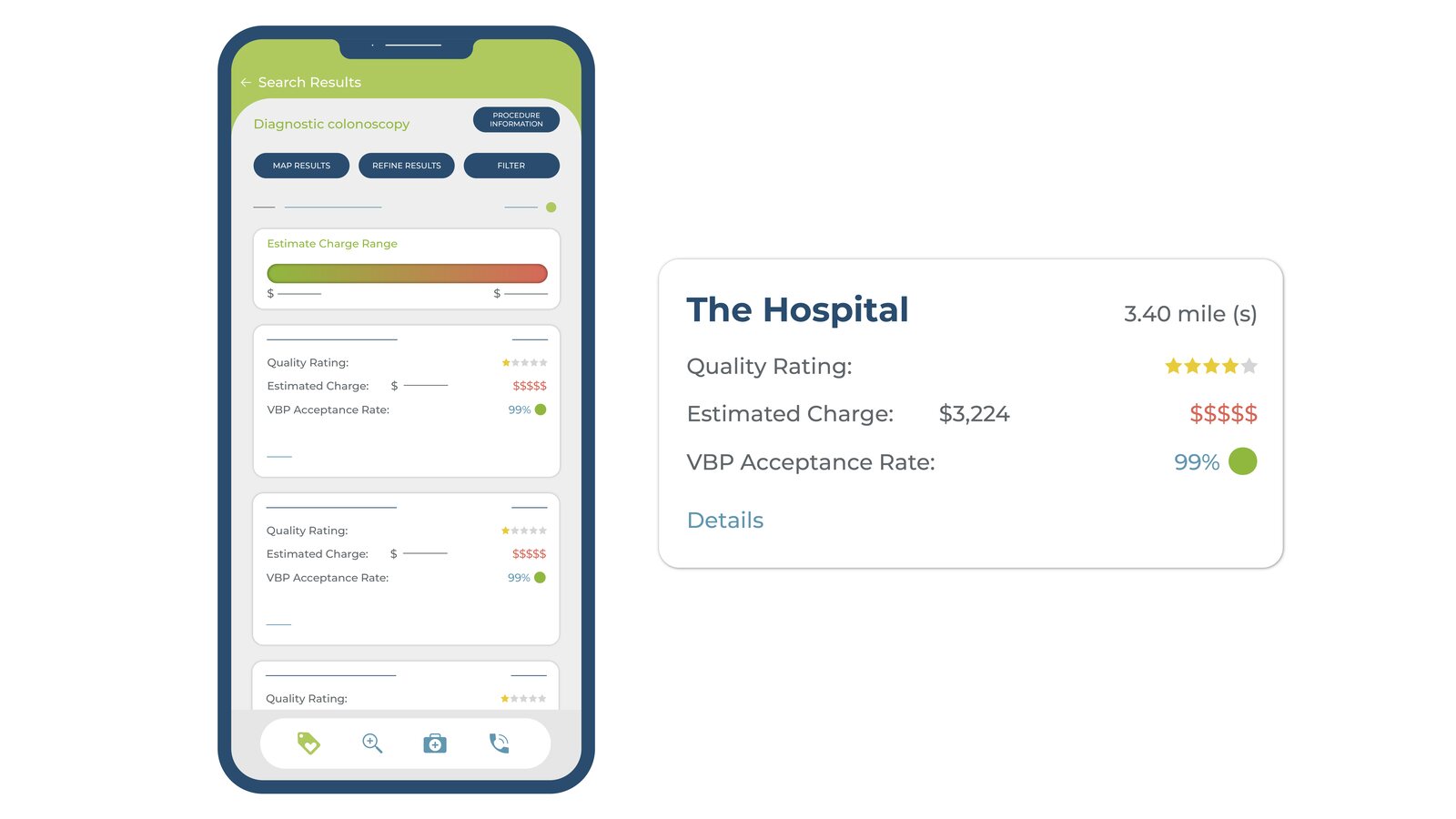
    The briefMembers of a Value-Driven Health Plan can use HST Connect, an app and website for choosing where to get care.
  2. 02
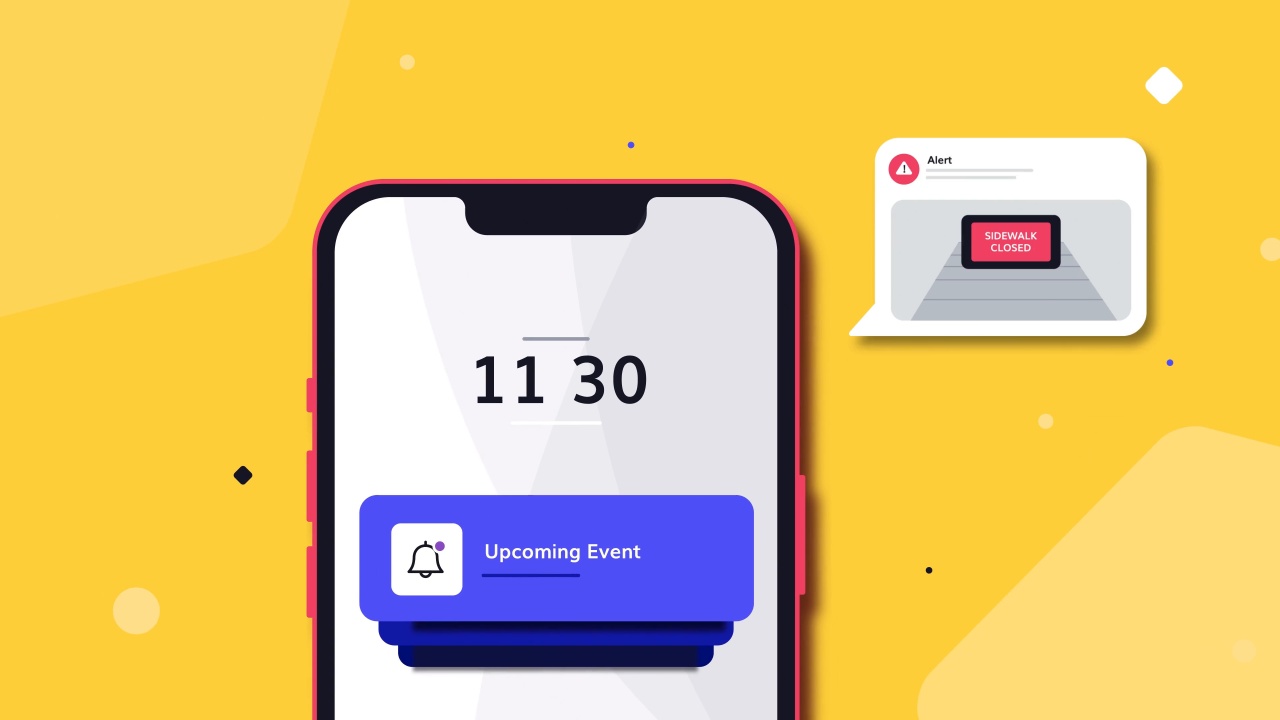
    Our approachThe app screens are the star. Clean mockups slide in on a light background and icons appear as each feature is mentioned.
  3. 03
    StoryboardsEvery scene was sketched before animation began.

Brief, script, storyboards and final frames

See The Case Study

2. Hibob

App explainer for remote and distributed teams

Runtime: 1:28

Hibob’s mobile app brings its HR platform to remote and distributed teams. Employees can follow company updates, manage timesheets and connect with coworkers in one place.

Performance data: none published.

Why it works:

  • Built for a new way of working: Remote teams are the audience from the first frame.
  • Everyday tasks: Timesheets and updates are jobs every employee recognizes.

Takeaway:
Show the small daily tasks your app makes easier.

3. Shopboxo

App explainer that demonstrates speed

Runtime: 1:00

Shopboxo helps entrepreneurs and sellers set up a mobile website in 30 seconds inside an intuitive app. The animation shows the setup process with smooth, dynamic visuals rather than static screenshots.

Performance data: none published.

Why it works:

  • Speed shown, not claimed: The setup is animated from start to finish.
  • No static screens: Motion replaces screenshots.

Takeaway:
If speed is your promise, show the whole task inside the video.

4. Payright

Fast-paced app explainer built for social

Runtime: 0:41

Payright is an Australian payment plan provider. The explainer uses an upbeat, fast-paced style designed for social media.

Performance data: none published.

Why it works:

  • Built for the feed: The pace fits social distribution.
  • Under a minute: It lands the idea in 41 seconds.

Takeaway:
Design for the channel first. Social needs speed.

5. FreshBooks

UI-first app explainer

Runtime: 0:27

FreshBooks offers accounting tools for self-employed professionals and their teams. This short piece is part of a series that uses simplified product screens to show the app’s user-friendly design.

Performance data: none published.

Why it works:

  • Simplified UI: Abstracted screens show the product without clutter.
  • Part of a series: Each video covers one part of the app.

Takeaway:
Simplify your interface on screen. Viewers need the idea, not every button.

6. Pleo

On-brand app explainer animated at 6 fps

Runtime: 0:37

Pleo is a business spending app. This is part of a series of app videos. It was animated at 6 frames per second to match Pleo’s distinct brand style.

Performance data: none published.

Why it works:

  • Brand in the motion: The frame rate itself expresses the brand.
  • One task: It shows a single job: capturing cards and receipts.

Takeaway:
Your brand can live in how things move, not only in colors and logos.

7. Cryptohopper

Hybrid sales app video

Runtime: 1:15

Cryptohopper offers automated crypto trading. This hybrid sales app video combines illustration and animation to present the app.

Performance data: none published.

Why it works:

  • Sales-focused: It is built to convert, not just to inform.
  • Illustration-led: Custom illustration gives a technical tool a friendly face.

Takeaway:
An app video can sell and explain at the same time.

8. Momatu

Emotional hybrid brand video for an app

Runtime: 1:25

Momatu is an all-in-one app for families to privately share and store photos and videos. The hybrid brand video uses storytelling to build an emotional connection with viewers.

Performance data: none published.

Why it works:

  • Emotion first: Family moments lead, features follow.
  • Privacy as a benefit: Private sharing is framed as peace of mind.

Takeaway:
Consumer apps sell a feeling. Lead with it.

9. Perplexity

Short feature explainer for an AI app

Runtime: 0:36

Perplexity introduces voice to voice on iOS. Users ask any question out loud and hear the answer.

Performance data: none published.

Why it works:

  • One feature: The video covers a single new capability.
  • 36 seconds: Short enough for a launch post.

Takeaway:
Feature launches work best as short, single-idea videos.

10. Beam

App explainer for a multi-country audience

Runtime: 1:11

Beam describes itself as the leading mobile wallet app in the UAE, used by more than 750,000 people. The video presents the app to customers in several countries.

Performance data: none published.

Why it works:

  • Built to travel: Visual storytelling works across languages and markets.
  • Social proof: The user count backs up the pitch.

Takeaway:
If your app serves several markets, lean on visuals that need little translation.

11. Bear 2

Launch explainer for a major app update

Runtime: 1:21

Bear is a writing and notes app. This video launches Bear 2, which added over 20 new features including tables, nested styles, pinned tags and backlinks.

Performance data: none published.

Why it works:

  • Update as a story: A version launch is framed around writing naturally.
  • Many features, one theme: Twenty features sit under one idea.

Takeaway:
Group a long feature list under one theme your users care about.

12. Microsoft

App explainer for a combined product

Runtime: 1:13

The Office mobile app combines Word, Excel and PowerPoint in one app for getting work done on a phone. The video introduces it for Android and iOS.

Performance data: none published.

Why it works:

  • Consolidation as the benefit: Three apps become one.
  • Mobile context: The focus is work on the go.

Takeaway:
When your update simplifies things, make the simplification the headline.

13. Square

How-it-works app explainer for small business

Runtime: 2:25

Square explains that it is more than a card reader. The video shows how it helps businesses start, run and grow with affordable tools.

Performance data: none published.

Why it works:

  • Corrects a perception: It moves viewers past the idea of Square as just a reader.
  • Business lifecycle: Start, run and grow gives the story a structure.

Takeaway:
If buyers see only one part of your product, use the video to widen the view.

14. Traveloka

Store listing explainer for a travel app

Runtime: 1:39

This introduction video for the Traveloka app was made for its Google Play listing. It was planned for release in several regional languages.

Performance data: none published.

Why it works:

  • Made for the store: It is built for the app listing where download decisions happen.
  • Localization in mind: Several languages were planned from the start.

Takeaway:
Your app store listing deserves its own explainer.

15. Lloyds Bank

App update explainer for existing customers

Runtime: 2:26

Lloyds Bank updated its mobile banking app for iPhone and Android. The video shows the new features and how customers can manage money on the move.

Performance data: none published.

Why it works:

  • For existing users: It helps current customers adopt an update.
  • Comforting tone: Narration and music keep banking calm.

Takeaway:
App explainers are for adoption too, not only acquisition.

16. Now Health International

Step-by-step app explainer

Runtime: 1:11

Now Health International is a global private medical insurance provider. The video explains how to use its app step by step.

Performance data: none published.

Why it works:

  • Step by step: Clear steps make an insurance app easy to use.
  • Personal feel: A hand holding a phone adds a human touch without characters.

Takeaway:
A simple how-to can reduce support questions after launch.

17. Embark

40-second app explainer

Runtime: 0:40

Embark is a public transport app covering more than 500 cities and towns. It shows costs and carbon emissions for every route and integrates with Uber.

Performance data: none published.

Why it works:

  • 40 seconds: It covers the benefits and the use in under a minute.
  • Concrete numbers: City count and route data make the value specific.

Takeaway:
Specific numbers make a short app video feel substantial.

18. Gigtown

Character explainer for a two-sided app

Runtime: 1:41

Gigtown makes booking music talent for events easier. The video explains the app for both sides: the people booking and the musicians.

Performance data: none published.

Why it works:

  • Both sides served: Bookers and musicians each see their benefit.
  • Music-led: The subject gives the video a natural energy.

Takeaway:
For two-sided apps, show both users getting what they want.

What an App Explainer Video Costs

Typical price ranges

Price depends on runtime, visual treatment and production scope. Most projects fall into one of three tiers.

TierTypical rangeBest for
AI-Assisted$2,500 to $4,000A short app intro or single feature
Standard$3,000 to $10,000A custom explainer with UI animation, voiceover and sound design
Premium$10,000 to $25,000Character animation, 3D device shots or a multi-video series

What drives the price

  • Runtime and number of features shown
  • UI animation and interface design
  • Character animation vs. motion graphics
  • Voiceover, music and sound design
  • Store, social and in-app versions

Most app projects take 3 to 6 weeks from creative brief to final delivery. For a full breakdown by style and length, see the explainer video cost guide.

How to plan an app explainer video

1. Pick one action

Decide what the viewer should do next. That could be a download, a sign-up or trying one feature. Payright and Perplexity each focus on a single idea and finish in under 45 seconds.

2. Write for the placement

Decide where the video will run before you write the script. Traveloka made its video for a Google Play listing. Payright built its video for social feeds.

3. Show the interface, simplified

Use real app screens, but strip out the clutter. FreshBooks uses simplified product screens so the idea reads at a glance.

4. Start with a task the viewer knows

Open on a job the viewer already does. Hibob starts with timesheets and company updates. Shopboxo shows the whole store setup inside the video.

5. Plan the versions early

List the store, social and in-app versions you need before production starts. One master video can then be cut into shorter versions for each placement.

FAQs

An app explainer video is a short video that shows what an app does, who it is for and how it works. It usually combines interface animation with a simple story.
Most run 30 to 90 seconds. On this list, 11 of the 18 examples run between one and two minutes. App store previews and social ads often need shorter versions.
Most app explainer videos cost between $2,500 and $25,000. AI-assisted projects run $2,500 to $4,000, standard custom projects $3,000 to $10,000, and premium projects $10,000 to $25,000.
App store listings, your landing page, paid social campaigns and onboarding screens. The same master video can be cut into shorter versions for each.
Usually yes, but simplified. Animated or abstracted screens show how the app works without the clutter of a raw screen recording.
Most projects take 3 to 6 weeks, from creative brief and script through storyboard, design, animation and final delivery.

It depends on the app. Gigtown uses characters to show both sides of a booking app. Most of the other examples lead with the interface instead.

Yes. Lloyds Bank and Now Health International use their videos to help current customers use new features and complete tasks in the app.

Wrap Up

The app explainer videos on this list take different routes. Some lead with emotion. Some show one feature. Some walk through the whole app. What they share is a clear promise and a short runtime.

The strongest ones show the app doing a real task, so the viewer can picture using it before they download.

Larry Mutenda, founder of Creamy Animation

Author: Larry Mutenda

Founder & Producer: Creamy Animation

Larry is the founder and Chief Storyteller at Creamy Animation, founded in 2009. He leads a team that creates story-driven videos for businesses and nonprofits. 15+ years in video strategy and production, specializing in SaaS, B2B, and nonprofit storytelling. A marketer, designer, and animator, Larry has overseen the production of more than 1,500 videos for Fujitsu, Logitech, Warner Brothers, NFL, Blockdaemon, Astronomer, Canonical, and 370+ others.

For Larry, God is first, and everything else is a blessing that comes from serving Him. When he’s not working, he’s hanging out with his wife and three kids, playing the piano, or pursuing his filmmaking side hustle.Â